


An enterprise insurance and financial services company serving financial institutions
TruStage is an enterprise company in the insurance and financial services industry, headquartered in Madison, Wisconsin, with more than 4,200 employees. Its compliance products are used by financial institutions and supported by a network of business partners.
Compliance, configuration, and release documentation, organized by intended audience
The TruStage documentation portal supports financial institution users and business partners with access to compliance, configuration, technical documentation, and release notes. Financial institution users get Compliance Safety Net Online Help, Configuration Online Help, and Technical Documentation; business partners get Compliance Safety Net Release Notes, Configuration Release Notes, and IntelleDoc Solutions Release Notes.
The portal's homepage acts as a landing page, clearly directing users to the section relevant to their role.
A portal built for a regulated product where different readers need different answers
Entry points sorted by audience, not by product
The homepage card grid labels each card with its intended audience — "Online Help" for financial institution users, "Technical Documentation" for business partners — so visitors self-select before clicking into content meant for someone else.
A reference table that says when each section applies
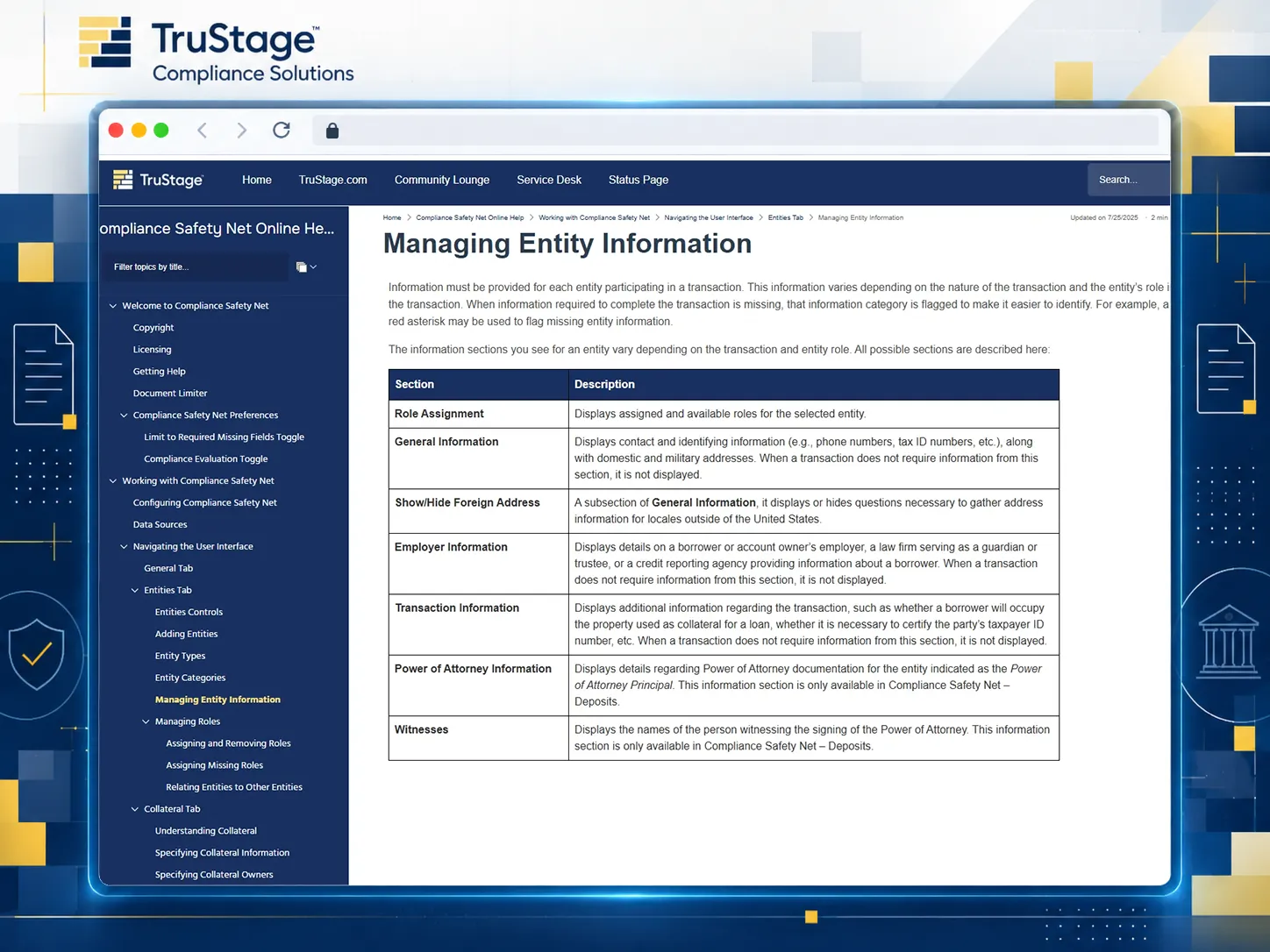
A Section/Description table spells out which entity-information blocks apply to which transaction type or license tier (for example, "only available in Compliance Safety Net – Deposits") — essential in a compliance product, where two customers on different licenses see a different set of screens.
Screenshots that outline the exact control
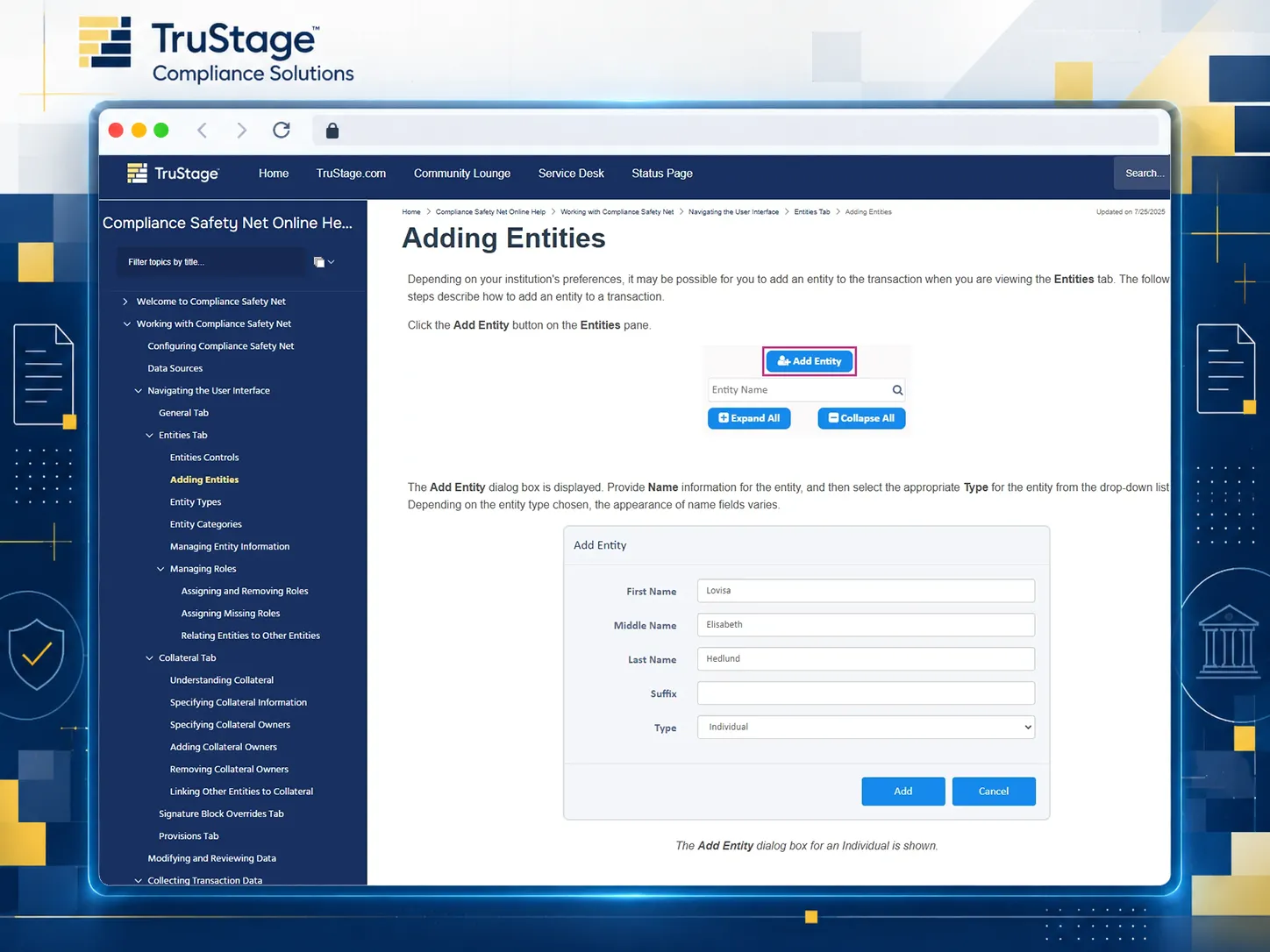
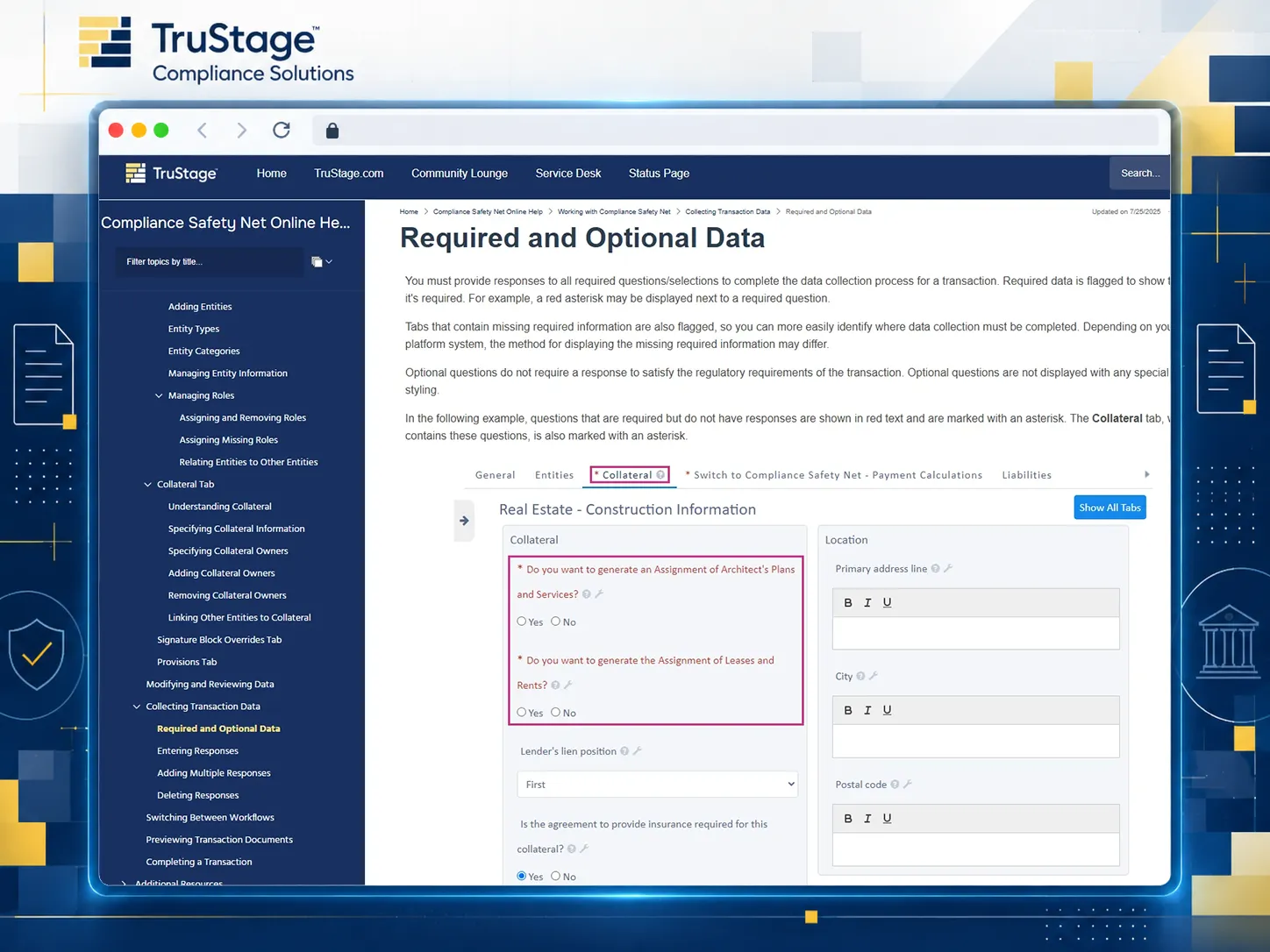
Callouts outline the exact button or tab an instruction refers to, such as the Add Entity button or the Collateral tab. Because they're live captures of the product, they also keep its required-field styling — red text and red asterisks — exactly as a user sees it.
Docs that sit inside the company site
A custom top nav extends the default portal chrome with links to TruStage.com, Community Lounge, Service Desk, and Status Page, so the documentation is part of the company's bigger site structure instead of an island.
Two ideas worth borrowing for regulated, multi-audience products
Regulated products that serve several audiences, with features that vary by product or transaction, can take two things from this portal: entry points labeled by audience, and a reference table that says when each section applies.— ClickHelp team
Ask us for examples like yours
Documenting a regulated product for several audiences? We'll show you portals that solve the same problem — and how yours could look in ClickHelp.
