


A cyber threat intelligence company with a multi-product suite and a customer base that can't have public documentation
IntSights builds external threat intelligence products — tools that let security teams spot threats aimed at their organization, employees, and customers before those threats turn into incidents. The product line includes a threat intelligence platform, a vulnerability risk analyzer, third-party risk scoring, threat orchestration, and dedicated threat research covering dark web activity and attacker TTPs. The company has offices spanning Amsterdam, Boston, Dallas, New York, Singapore, Tel Aviv, and Tokyo.
Aryeh Sonnenberg, Information Architect at IntSights, is responsible for how that product suite gets documented — and for making sure the documentation looks and behaves like an IntSights product, not a generic help site.
Keeping the iceberg and the corporate palette intact outside the product itself
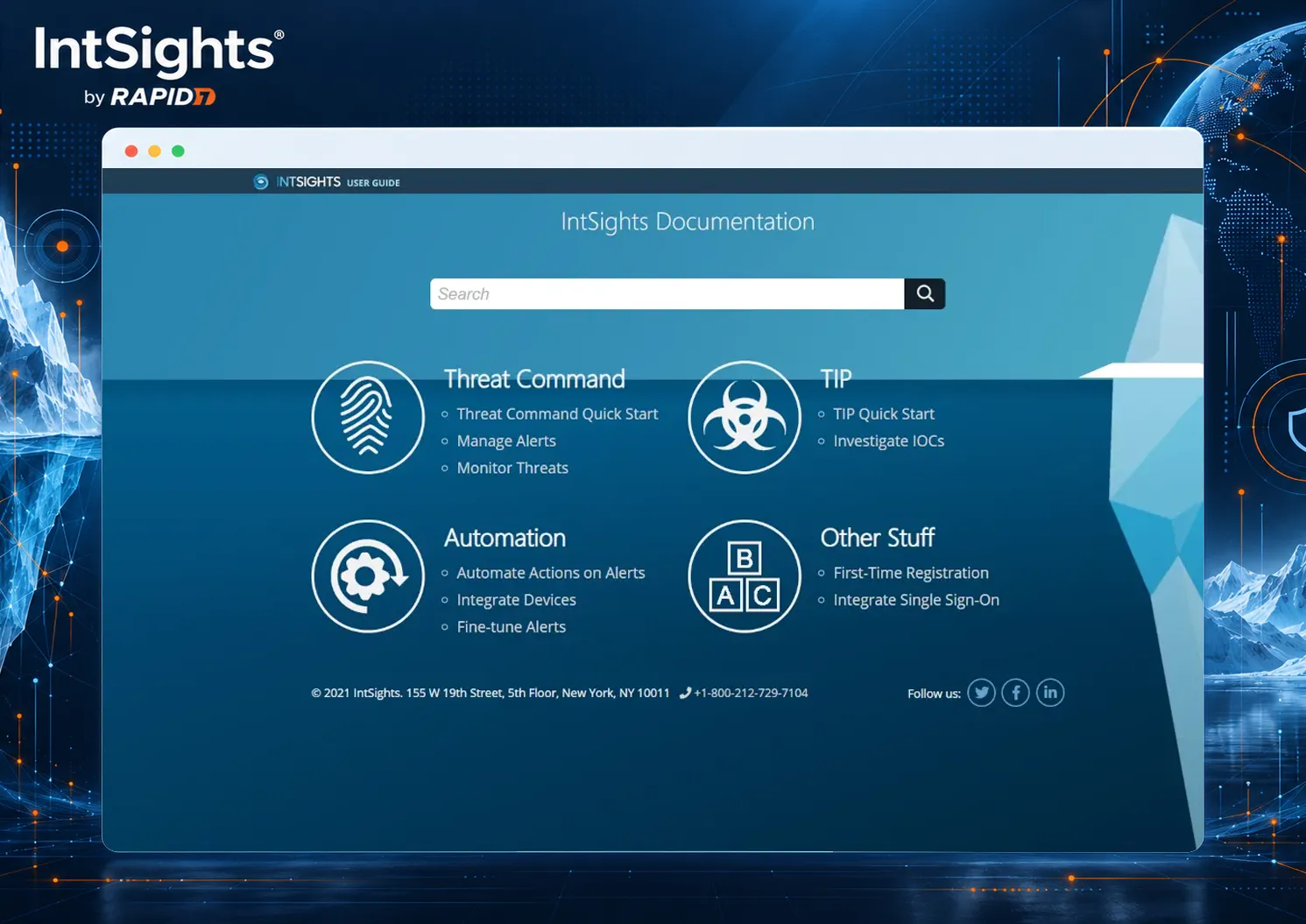
IntSights' visual identity centers on an iceberg — a deliberate reference to how their products work: helping customers see the full threat below the surface, not just the visible tip. The corporate palette is blue, white, and dark navy.
Moving documentation into a dedicated portal is often where that kind of brand identity gets diluted into a generic template. For IntSights, it didn't. The ClickHelp branding team rebuilt the iceberg, the color scheme, and the surrounding styles inside the documentation portal itself, so the docs read as an extension of the product rather than a separate, unbranded tool.
Different visibility levels instead of separate sites per product
IntSights sells more than one product, and documenting each one in isolation creates the familiar problem: customers hunting across separate manuals to find what they need. The team's approach was to put every product's documentation in a single portal instead.
That decision was shaped by what the products are. Threat intelligence software deals with sensitive detection logic and customer-specific configurations, so IntSights' user manuals aren't public — they're restricted to logged-in customers only. ClickHelp's support for different visibility levels and password-protected documentation let the team keep that restriction while still giving customers one place to find everything, rather than splitting access control across multiple standalone sites.
- Threat Command, Threat Intelligence Platform, Vulnerability Risk Analyzer
- Threat Third Party, Threat Orchestration, Threat Research
- All six documented from the same restricted portal
One-time login tokens tied into IntSights' own login flow
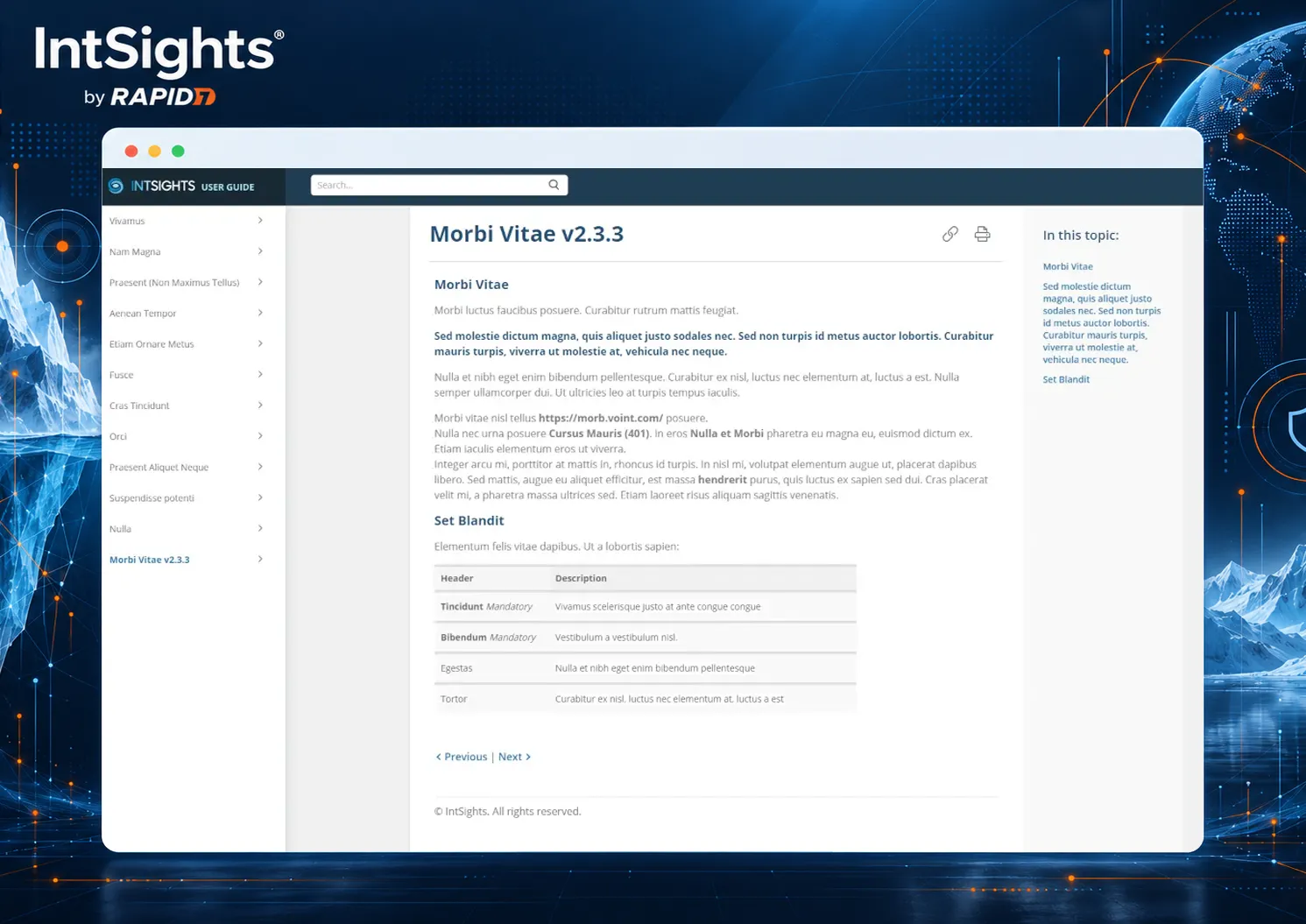
Restricted documentation usually means a login step, and login steps are where documentation portals lose users. IntSights solved this with single sign-on via token-based authentication — specifically, one-time login tokens — which let the team plug ClickHelp into their own existing login process instead of asking customers to manage a separate set of credentials.
A 24-hour response guarantee, plus training for teams new to help authoring tools
ClickHelp commits to a 24-hour response window on support queries. For a documentation team without deep in-house tech-writing tooling experience, that response time is paired with training and consulting support aimed at getting new users productive without a steep learning curve.
If we have a question, it is not a bottleneck in our working process — all the answers are quick and clear, so our tech writing team can work effectively and productively.— Aryeh Sonnenberg, Information Architect, IntSights
Straightforward answers, no back-and-forth
We truly appreciate the top-notch customer service, covering our needs 24/6. They understand the questions and issues and address them all. There is no frustrating back-and-forth, rather great, straightforward answers and solutions.— Aryeh Sonnenberg, Information Architect, IntSights
