


A SaaS company specializing in IT infrastructure monitoring
Panopta is a small SaaS company based in Chicago, Illinois, specializing in IT infrastructure monitoring. Its customers are IT professionals and system administrators who keep servers, networks, and services running reliably.
Step-by-step guidance for monitoring, managing, and optimizing infrastructure
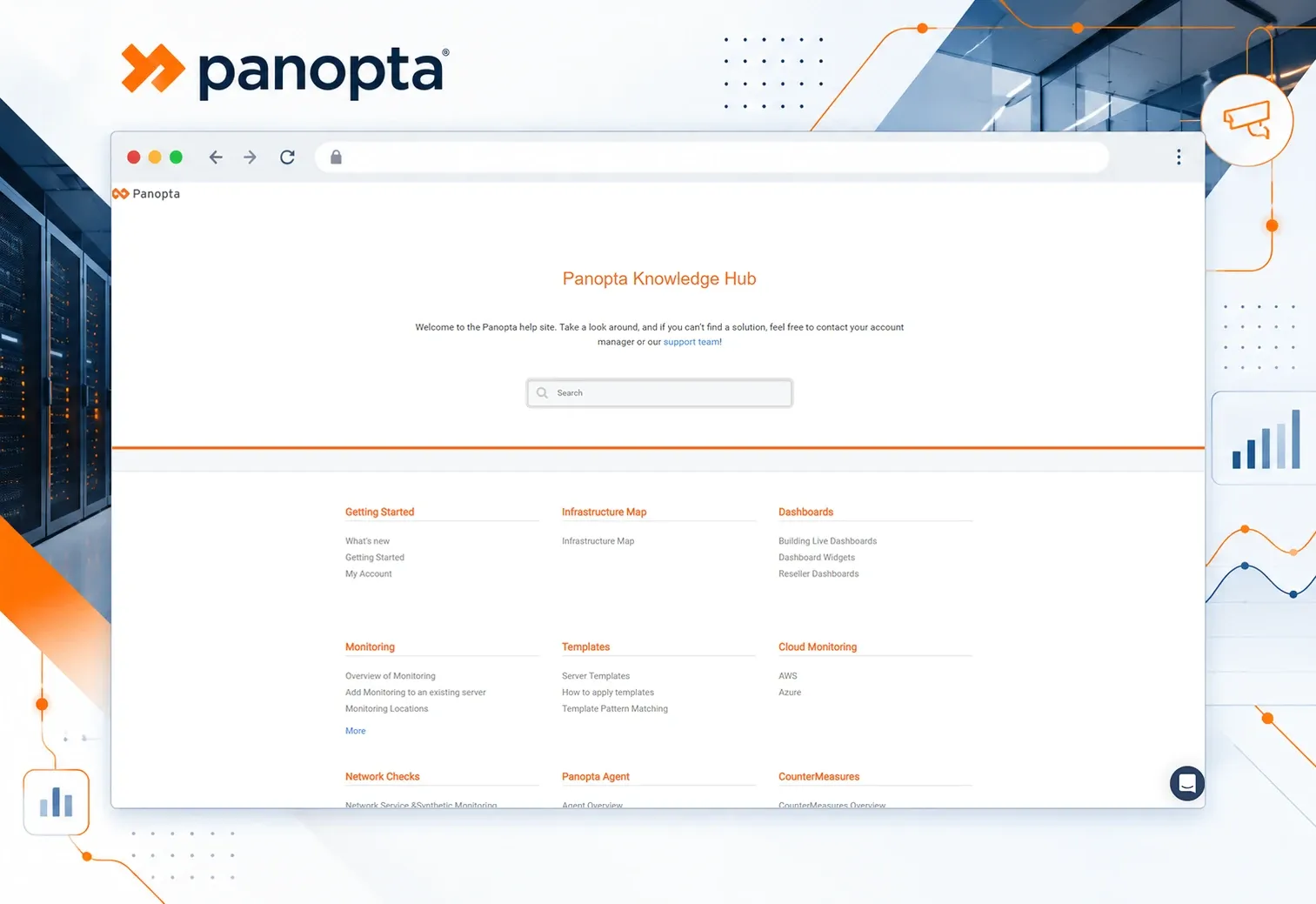
The Panopta Knowledge Hub centralizes all documentation and technical resources for IT professionals and system administrators. It provides step-by-step guides, tutorials, and reference materials for monitoring, managing, and optimizing infrastructure and network operations.
Designed to help users quickly locate the information they need, the portal supports both new users and experienced IT teams in maintaining reliable systems.
A knowledge hub built around long setup procedures
Steps that point at the screen
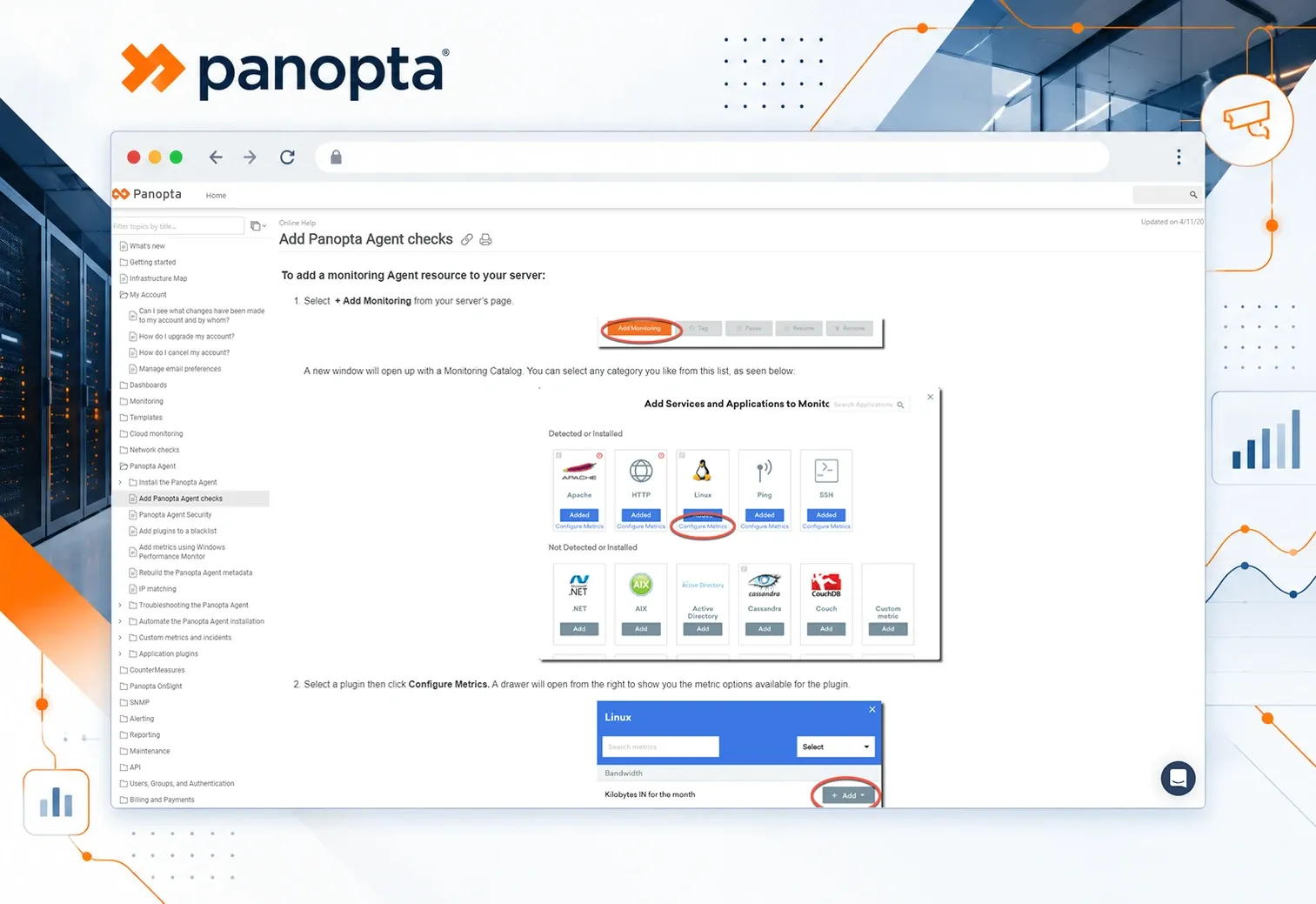
Setup guides circle the exact control for each step in a screenshot: the "+ Add Monitoring" button, "Configure Metrics," the "+ Add" button inside a metrics drawer. Readers can match the instruction to what is on their screen.
Prerequisites before the procedure
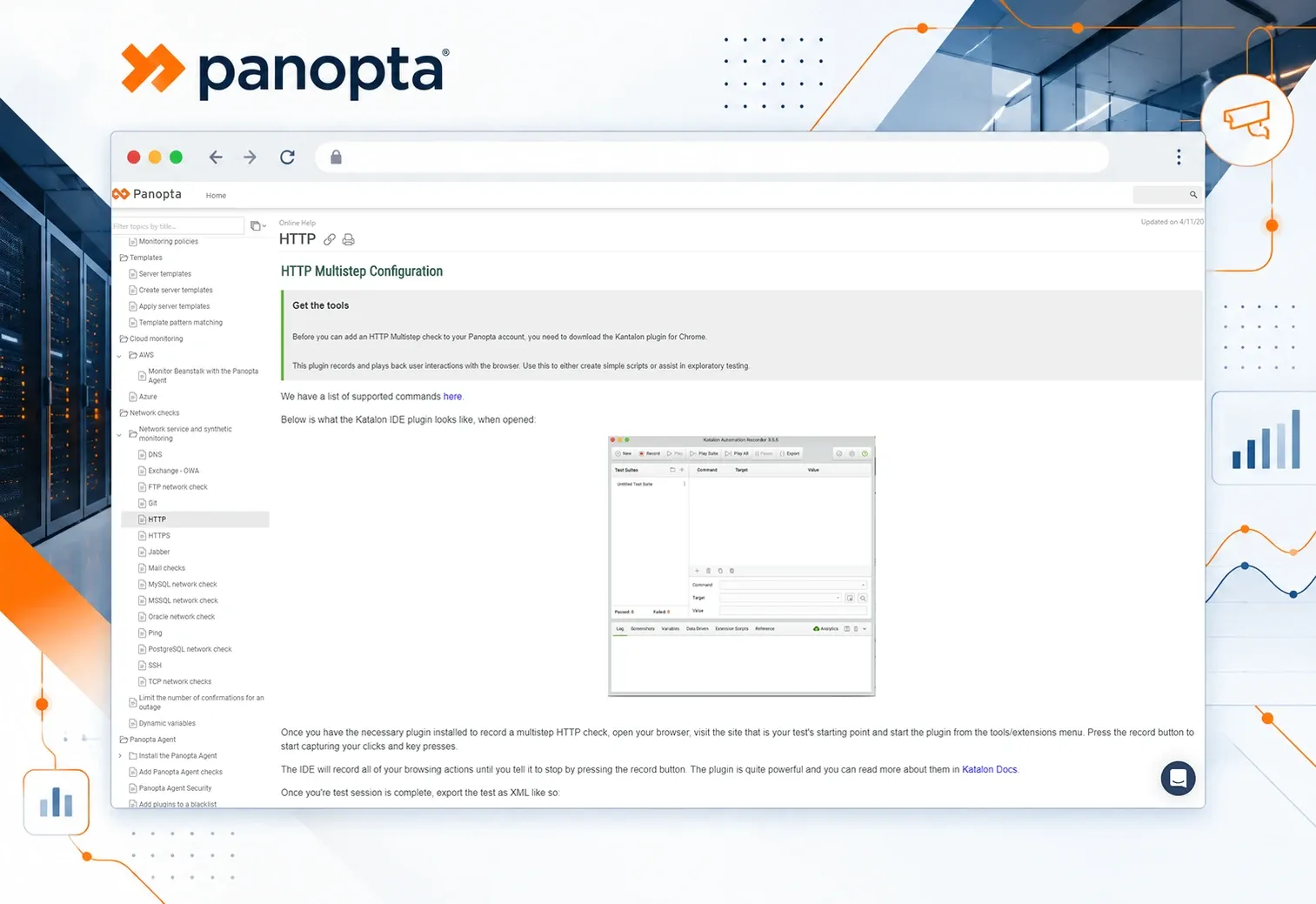
The HTTP multistep topic opens with a grey "Get the tools" box: to set up this kind of check, the reader first needs to install a Chrome plugin. ClickHelp lets authors style a text block as a callout through CSS; here it is grey.
A short homepage over a deep table of contents
Each homepage category shows a few top links, with a "More" link under the larger ones such as Monitoring. The full tree stays in the table of contents, so the start page stays short.
Three habits worth borrowing for long setup procedures
Products with long setup procedures can borrow three habits from this portal: screenshots that mark the control for each step, a prerequisite box before the procedure starts, and a short home page over a deep table of contents.— ClickHelp team
Ask us for examples like yours
Documenting long, multi-step setup procedures? We'll show you portals that solve the same problem — and how yours could look in ClickHelp.
