


A DataOps software company for data engineering teams
DataKitchen, based in Cambridge, Massachusetts, builds the DataKitchen DataOps Platform — software that helps data teams test, monitor, and automate their data operations. Its users are data engineers, analysts, and DevOps teams.
Product help, concepts, training, and workshops in one library
The DataKitchen Documentation Library serves as a central resource for data engineers, analysts, and DevOps teams working with the DataKitchen DataOps Platform. It brings together the product help, DataOps concepts, web app and command-line training, and a workshop series.
The homepage keeps to a handful of entry points, so a reader picks a publication and starts.
A library that separates concepts, training, and reference
One library for readers who need different things
The homepage lists five publications as cards with a one-line description each. The product help is a larger green card, so it leads. A ClickHelp home page accepts custom markup, which is how one card can be made to stand out.
Starting from a task, not only a feature
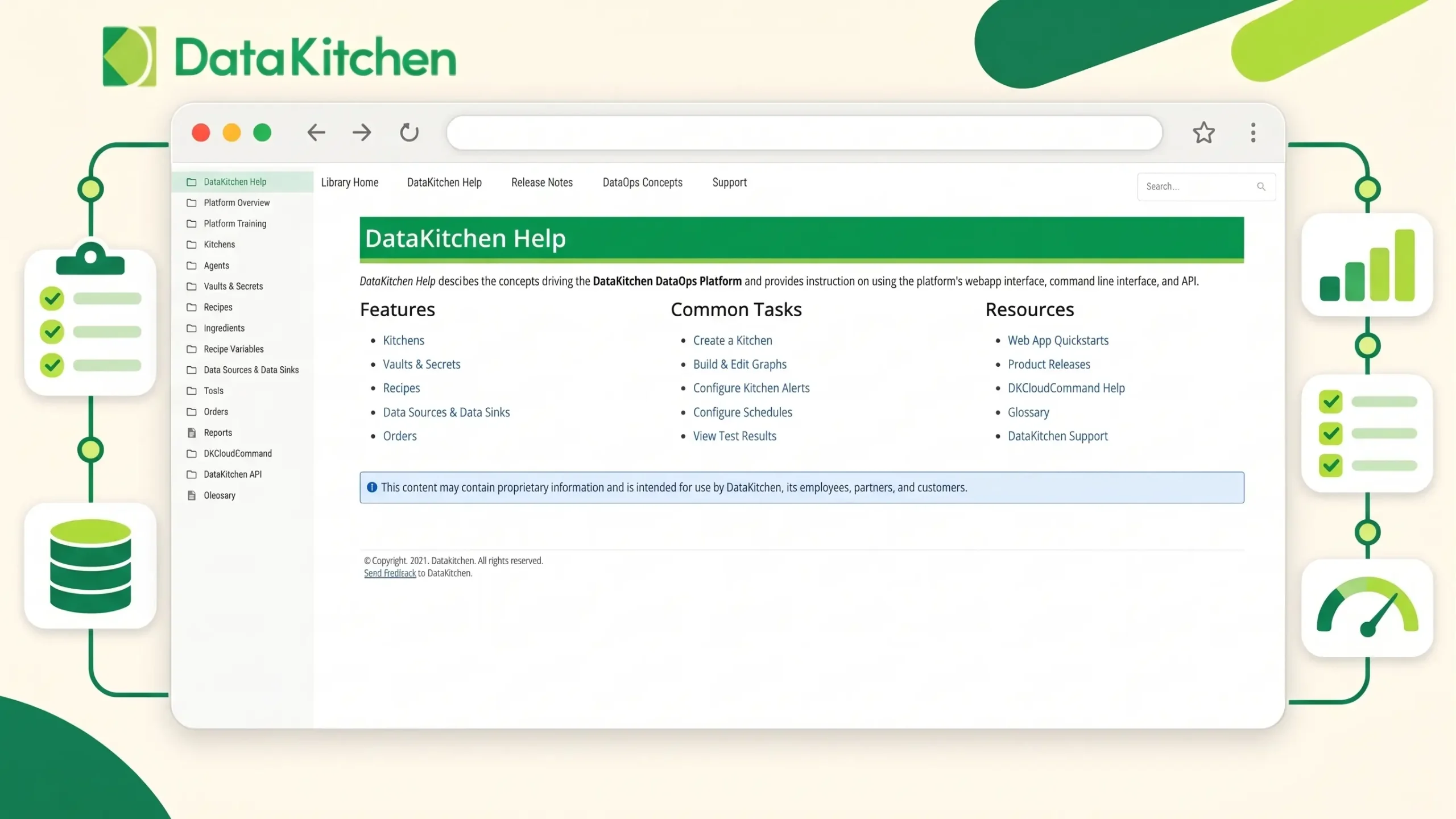
The Help landing page sorts its links into three columns: Features, Common Tasks, and Resources. "Create a Kitchen" and "Configure Schedules" sit under tasks, so a reader who knows what they want to do can start from that. ClickHelp topics are HTML, so a landing page like this is an ordinary topic.
Prerequisites that are hard to miss
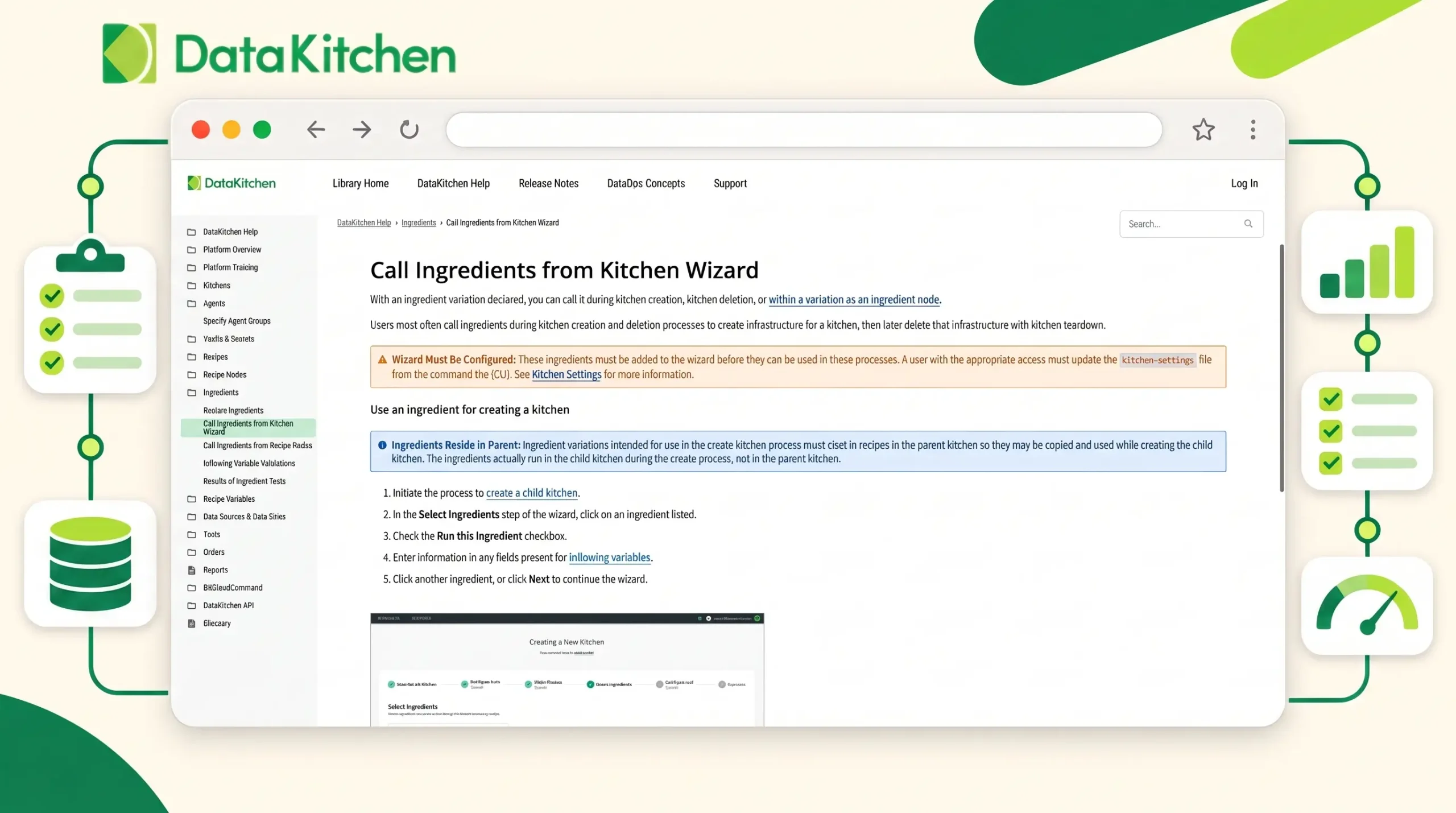
In the ingredients guide, an orange box ("Wizard Must Be Configured") flags a setup requirement before the steps, and a blue one ("Ingredients Reside in Parent") explains how the process works. ClickHelp lets authors style a text block as a callout through CSS, here in two colors.
An architecture diagram with a caption
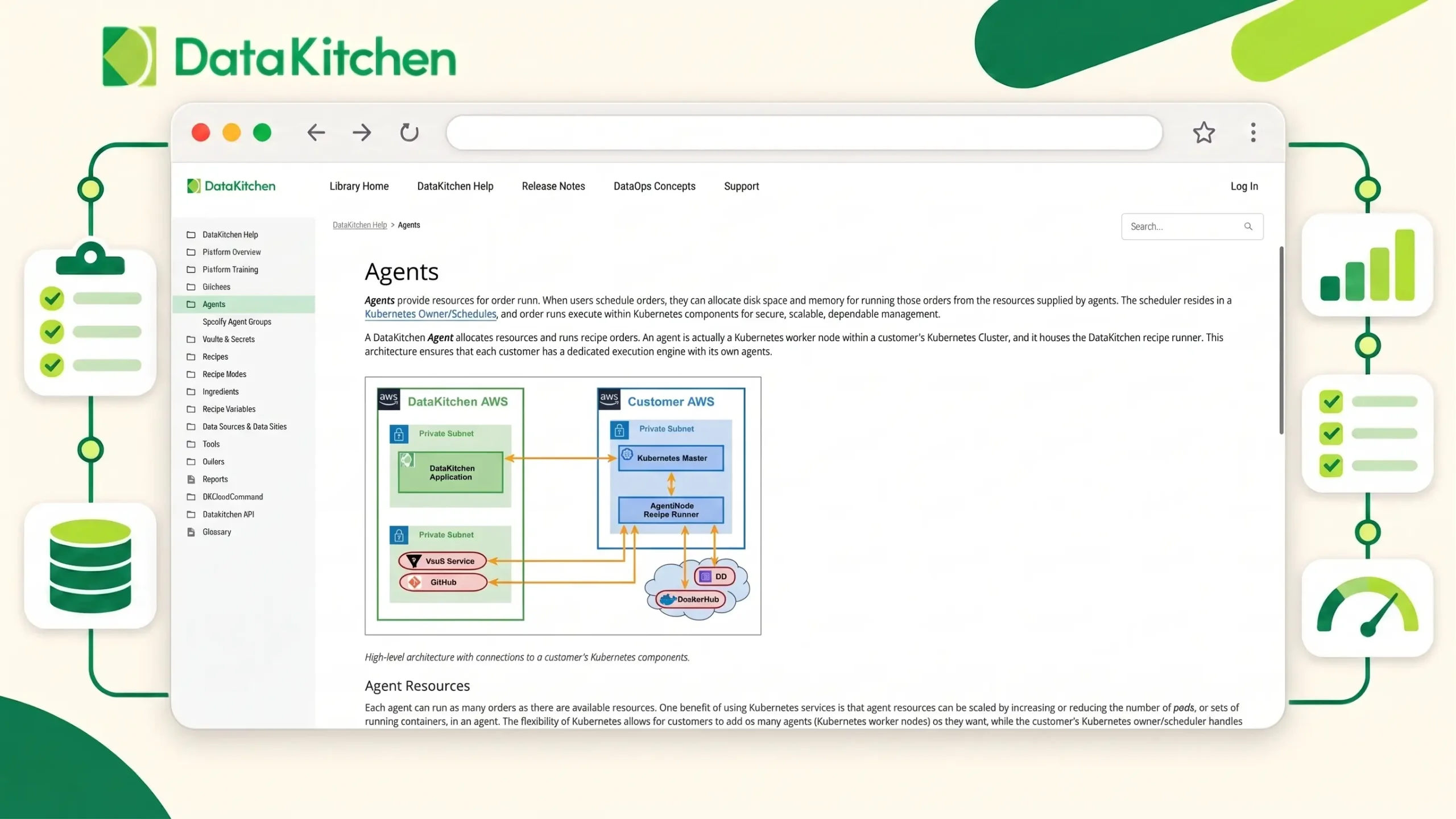
The Agents topic shows how DataKitchen's cloud and a customer's cloud connect, with the components and the data flows between them, under the caption "High-level architecture with connections to a customer's Kubernetes components." A reader sees the structure before reading the details.
How a platform with its own vocabulary can structure its docs
A platform with its own vocabulary needs a place for concepts, training, and reference. This portal gives each kind of reading its own publication, adds a landing page that starts from tasks as well as features, and sets requirements apart from explanations in distinct boxes.— ClickHelp team
Ask us for examples like yours
Documenting a platform with its own concepts and training tracks? We'll show you portals that solve the same problem — and how yours could look in ClickHelp.
