


A Canadian SD-WAN company, now part of Scale Computing
Adaptiv Networks, headquartered in Gatineau, Quebec, builds cloud-managed network infrastructure — SD-WAN and SASE solutions for businesses that need reliable connectivity. In 2020 the company acquired ELFIQ Networks and its link-balancing product line, and in February 2026 Adaptiv itself was acquired by Scale Computing, bringing the combined customer base to more than 9,000.
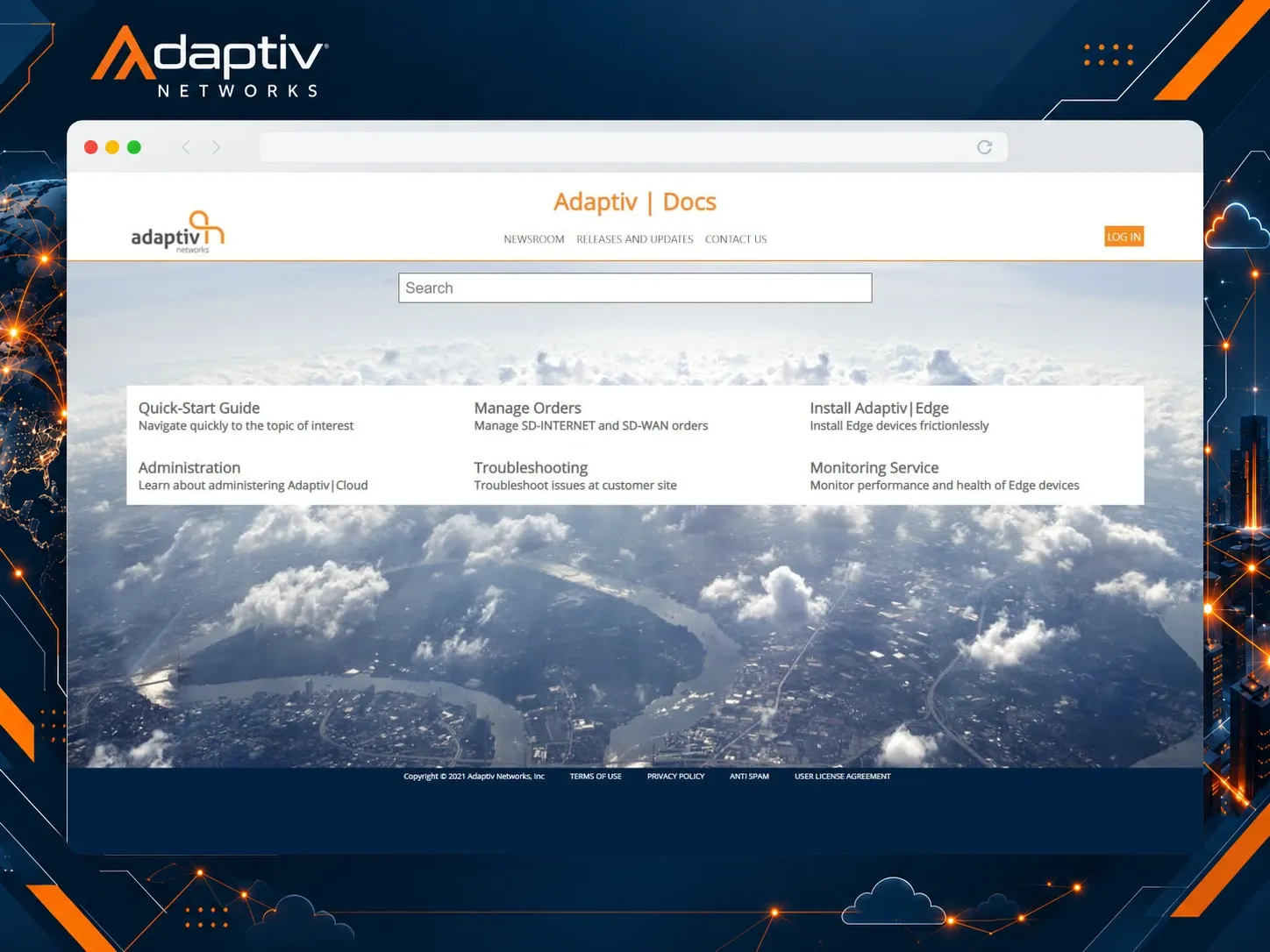
A central resource for deploying, managing, and troubleshooting network environments
The Adaptiv Networks Documentation portal serves as a central resource for users working with the company's networking solutions. It provides structured access to guides, configuration instructions, and technical reference materials.
Designed with clarity in mind, the portal helps users quickly find the information they need to deploy, manage, and troubleshoot network environments efficiently.
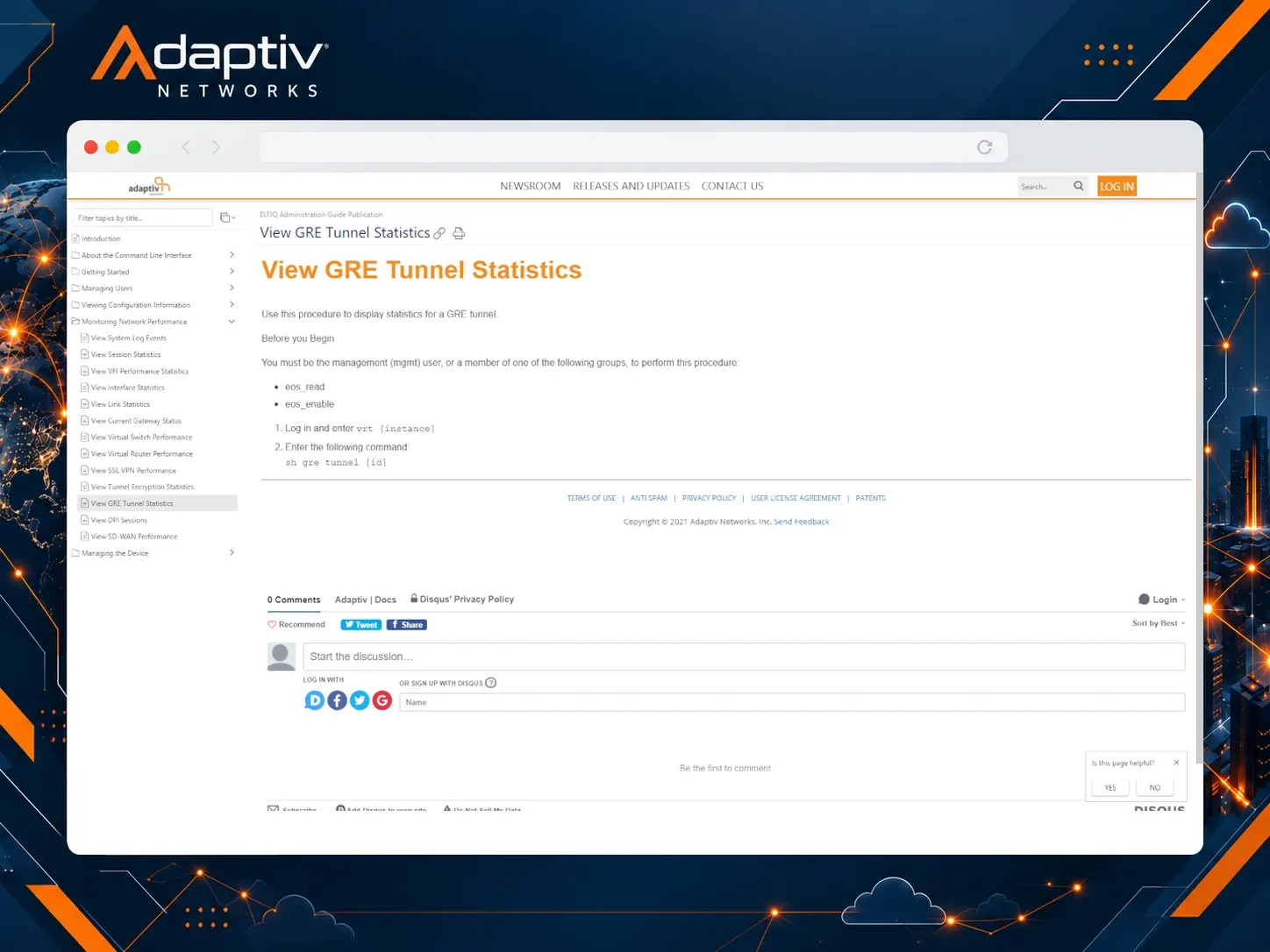
A portal that keeps readers oriented through a rebrand, two product lines, and many releases
Explaining a rebrand where readers will see it
After the February 2026 acquisition by Scale Computing, a notice at the top of the homepage maps old product names to new ones (Adaptiv Connect is now SC//Connect™ Secure SD-WAN solutions) and links to the renamed sections. A ClickHelp home page is fully editable, so the notice can come down when the transition ends.
A clear starting point for new users
Instead of the full documentation set, the homepage shows two columns, one per product line, with five or six entries each (installation, deployment, configuration, administration, upgrades) and a one-line description under every entry. The layout is free-form HTML, so the team decides what leads.
Older versions stay easy to find
Below the columns, the Publications section lists every publication by product and version: Adaptiv Connect for AOS v8.1, v8.3, and v8.4, ELFIQ guides for EOS 4.4.0 to 4.6.0. A customer who hasn't upgraded opens the guide for the release they run. ClickHelp can generate this list automatically as new versions are published.
Two product lines, one portal
Adaptiv's SD-WAN products and the ELFIQ link-balancing line, acquired in 2020, are documented side by side, each with its own homepage column and versioned guides. ClickHelp keeps several products in one portal, with settings that can differ per project or publication.
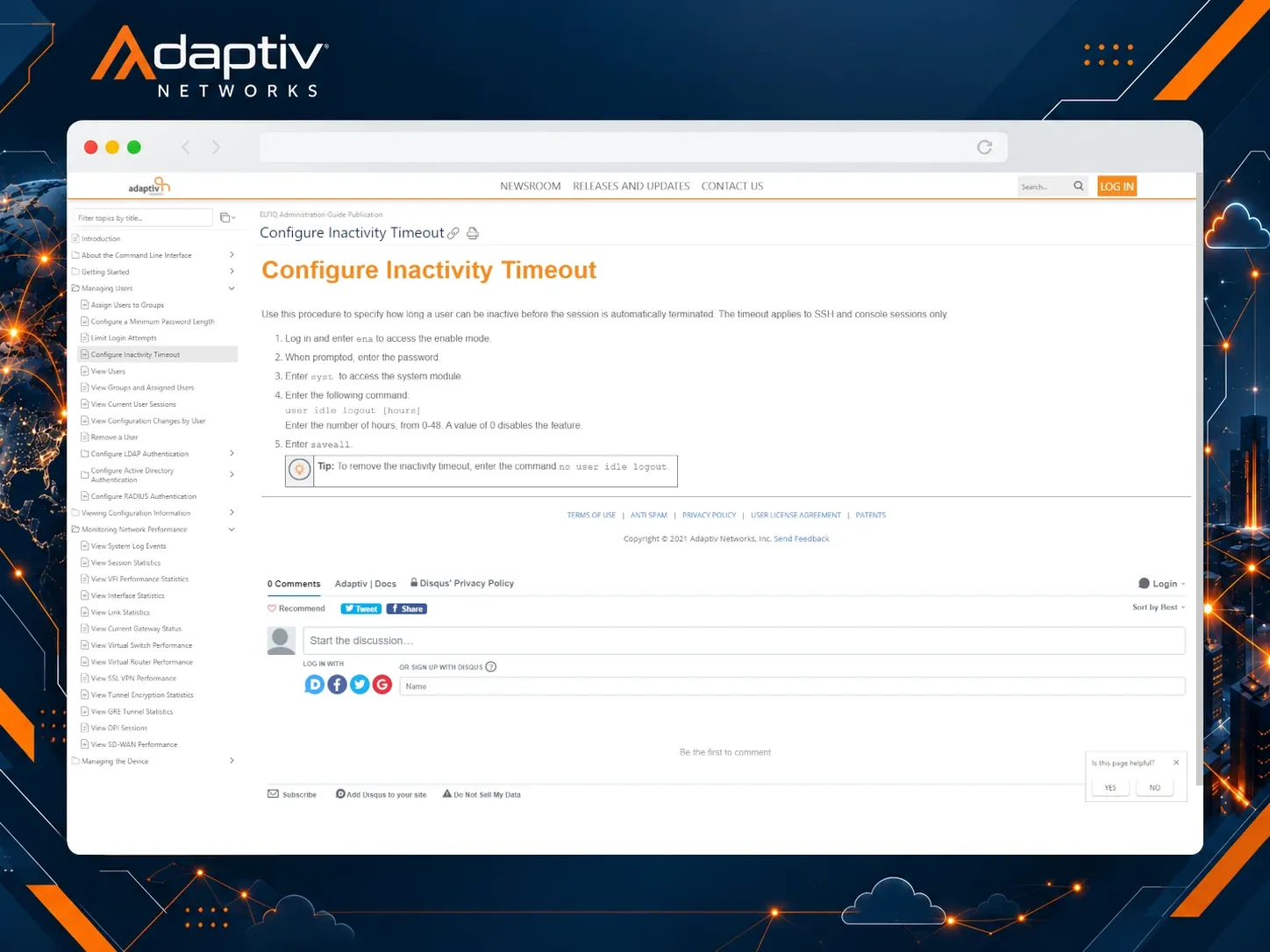
Worth copying for any team that supports several versions at once
A portal built this way suits teams that support several versions at once. The parts worth copying are the rebrand notice on the home page and the version-by-version list of publications, which give readers who arrive with an old name or an old release a clear way in.— ClickHelp team
Ask us for examples like yours
Supporting several products or releases at once? We'll show you portals that solve the same problem — and how yours could look in ClickHelp.
