


The #1 alternative to AutoCAD LT, with over 15 million products sold since 1988
IMSI Design, based in Novato, California, has been building design software since 1983. Its flagship product, TurboCAD, along with DesignCAD, TurboFloorPlan, and TurboApps, gives hobbyists and professionals the tools to draft, model, and plan projects across 2D and 3D design work.
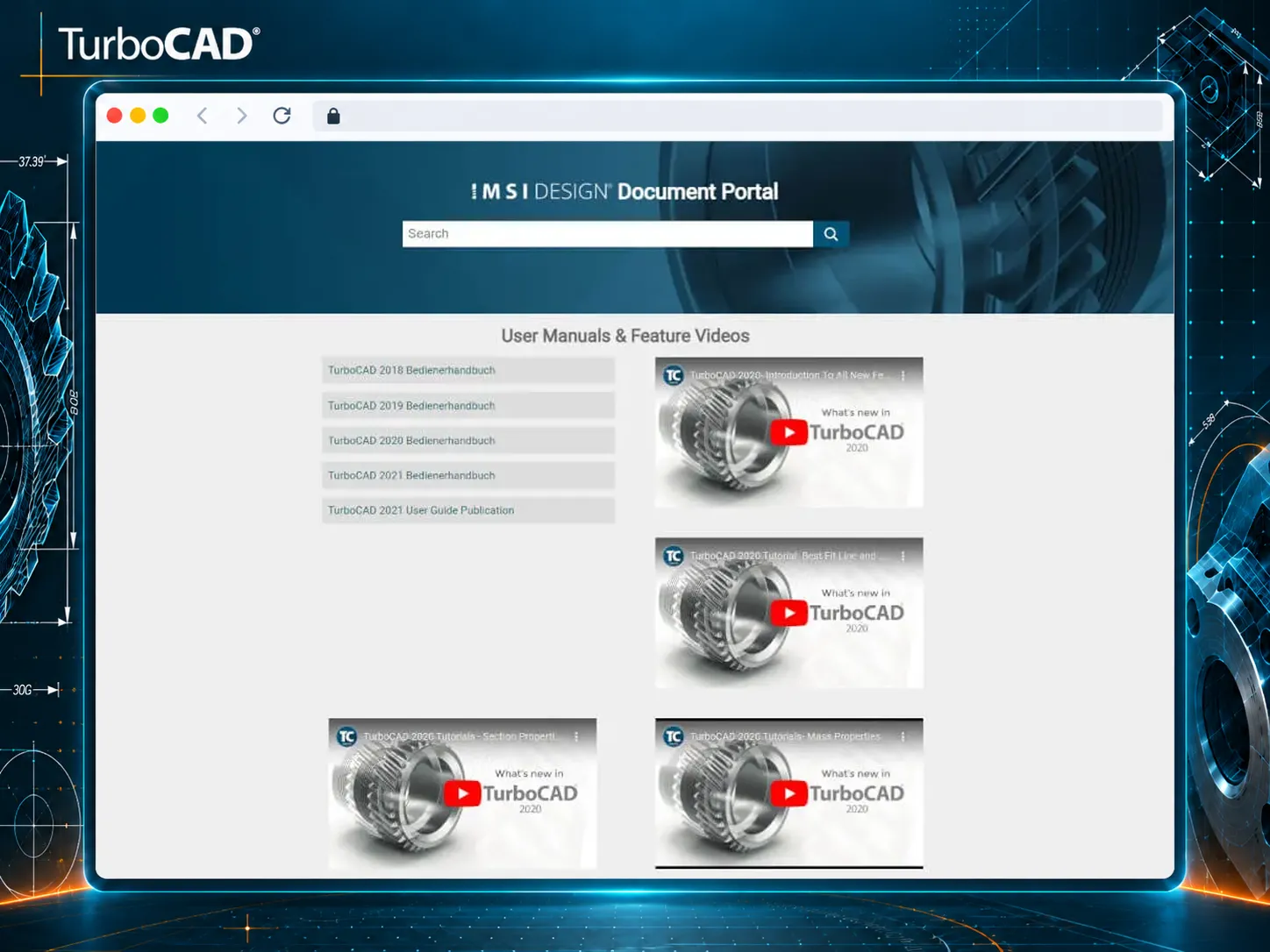
One entry point for guides, manuals, and support materials across every product
IMSI Design created a centralized documentation portal that brings together resources for its design software products. Instead of hunting across separate manuals per product, users land on one portal and get routed straight to the guides, manuals, and support materials relevant to whichever TurboCAD, DesignCAD, TurboFloorPlan, or TurboApps product they're using.
Designed as a unified entry point, the portal supports both new and experienced users in learning features, improving workflows, and working more efficiently with TurboCAD and related tools.
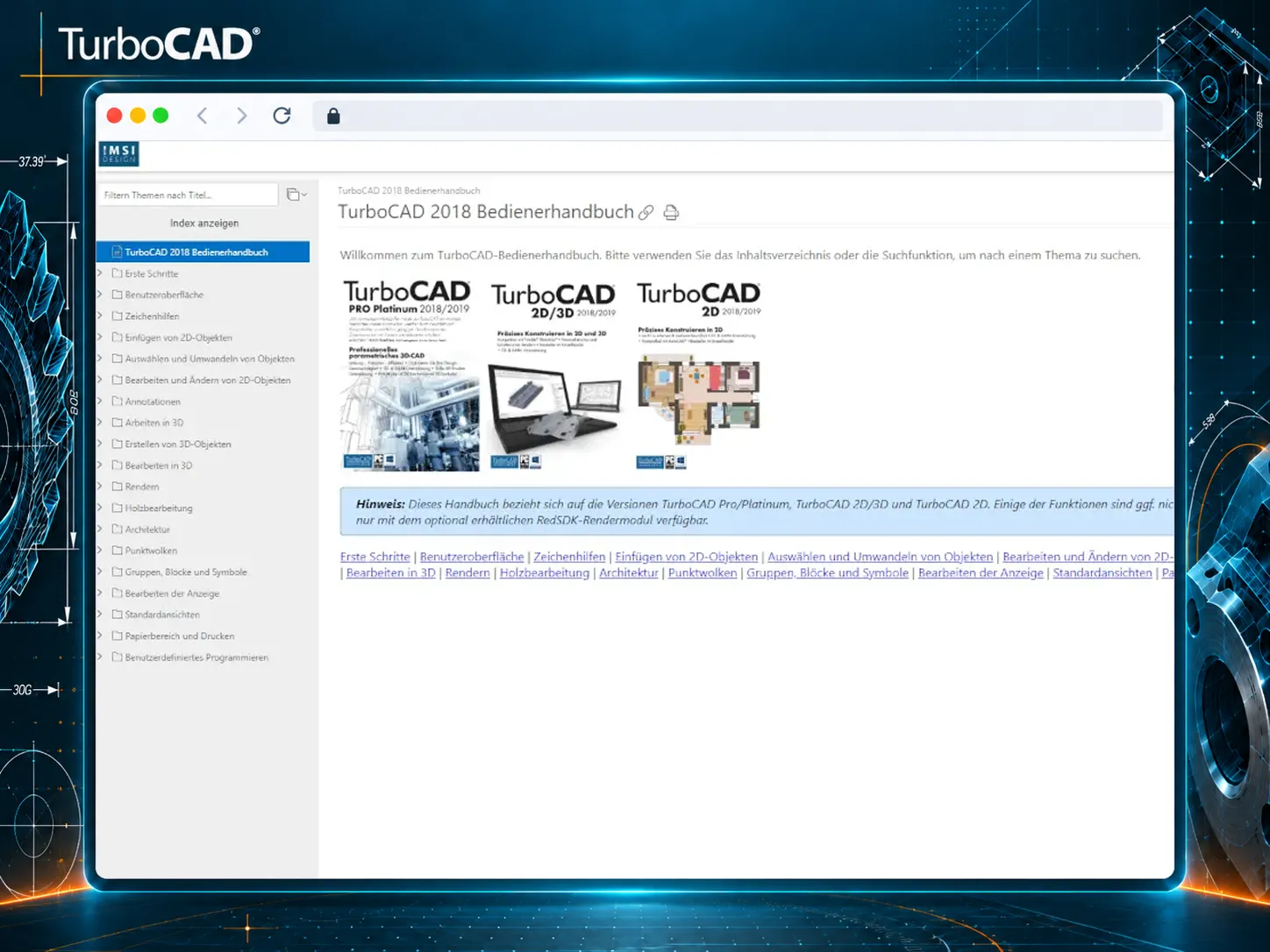
Small design choices that add up to a portal built for people who already know what they're looking for
A header built for precision engineering
A dark teal header with a mechanical, gear-textured background signals "precision engineering" before a user reads a single word.
Search first, browse second
A large, centered search bar sits right under the title — the first thing users can act on, since most arrive with a specific question rather than an intent to browse.
Manuals that list themselves
An auto-generated list of manual publications by year and edition updates itself with every new release, with no manual homepage edits needed.
Videos that double as release notes
Embedded YouTube videos branded "What's new in TurboCAD" double as feature previews and release announcements, with no separate changelog needed.
An index built for jumping, not scrolling
An Index button plus a filter-by-title box above the table of contents lets users jump straight to every place a term is used, not just browse the tree.
Callouts that break the reading rhythm on purpose
A blue Info box flags which product variants a section applies to — one of a family of callout types designed to interrupt the reading flow exactly when it matters.
Screenshots annotated for precise clicks
Annotated screenshots with arrows and highlighted click targets are more reliable than text alone for precise UI clicks in CAD software.
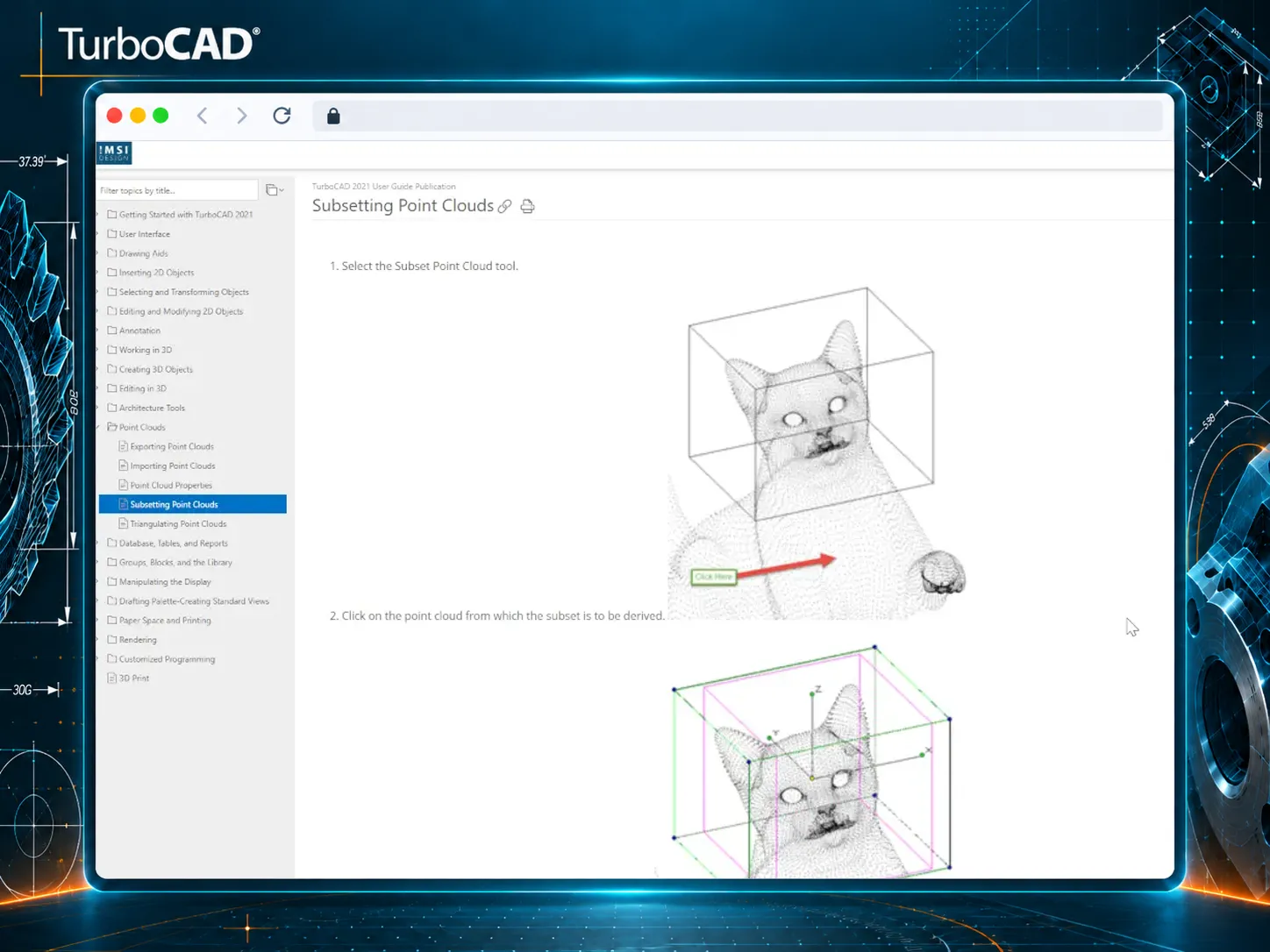
A modern look, a clear structure, and every product one click away
We wanted to simplify access to documentation across all our products and make it easier for users to find what they need. With ClickHelp, we created a centralized portal with a modern look and clear structure, where each product's documentation is just one click away.— IMSI Design
