In-Product Help Software with AI & Contextual Guidance | ClickHelp
Back
to top
FOR PRODUCT TEAMS

Keep users in your product. Give them answers, right where they are.

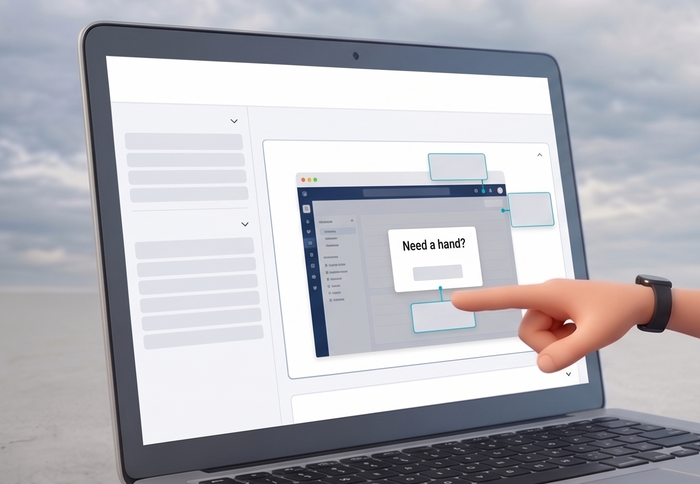
Embed a widget or call the API. Get answers into your product fast — and start learning where users actually struggle.

  • Embed AI help directly into your product
  • Show contextual help where users need it
  • Control exactly which help content the AI uses
  • Turn AI chat logs into a real-time map of user friction points
app.yourproduct.com/billing
YourProduct
Dashboard
Projects
Team
Billing
Settings
Workspace · Billing

Plans & usage

Apr 1 – Apr 30
Active seats
28
+3 this month
Plan
Team
Annual
Renews
Jul 18
in 74 days
Invoice
Period
Amount
Help · AnswerGenius
3 sources
How do I change my billing cycle to annual?
On the Plans & usage page, click your current plan, choose Annual, and confirm. The new cycle starts on your next renewal date.
Billing guide · Switching plans
Ask anything about your account…
Powered by AnswerGenius · Live in minutes, no ML team needed
The Problem

Three problems product teams hit every time they try to support users in-product

Answers that live outside the interface break the user journey, hide what people actually need — and leave you guessing what to fix next.

PAIN 01

Users leave the product to find help

When your knowledge base only lives on an external portal, the customer journey breaks. Some users wander off, others never come back to finish the task. That's a UX problem — and it starts long before users reach your support team.

PAIN 02
"How do I…"

You don't see enough real user questions

Backlogs get built on intuition, scattered interviews, and the loudest support tickets. There's a whole layer of reality missing — what people actually ask while trying to do the job inside your product.

PAIN 03
vector store
RAG pipeline
guardrails
evals

Building your own AI help is too heavy

A custom chatbot or RAG gives you control, but it costs months of engineering, ongoing maintenance, and a dedicated owner — too much weight just to ship an in-app answer layer and prove the idea.

How It Works

Four layers that bring answers inside the product experience

Not a list of AI features — a layered approach that puts answers inside the product, keeps them tied to the interface, scopes what AI can say, and feeds user questions back to the team.

Layer 01 Embedded answers

Answers inside your product, not on a separate site

AnswerGenius embeds into your web app — or connects via API when you want a custom bot UI, your own trigger logic, and your own conversation flow. Users get answers in the moment, without leaving the product.

  • Drop-in widget for fast embed in any web app
  • API access for custom bot UI, custom triggers, and your own behavior
  • Stays inside the product — no hand-off to an external help center
How AnswerGenius embeds work
YourProduct · Onboarding

Connect your data source

<script> answergenius.embed()
APIPOST /v1/answer
AnswerGenius
Where do I add a new data source?
In Sources, click Add source and pick the connector you need. Each source gets its own ingestion schedule.
Layer 02 Contextual help

Help that appears where the user actually is

Context-Sensitive Help binds answers to specific screens, fields, or actions in the interface. Popup windows and assistant panels surface the right topic in the right spot — instead of sending the user to a generic search box.

  • Bind help topics to interface elements with stable IDs
  • Popup windows for inline tips and assistant panels for deeper context
  • Same content powers in-app help and your reader portal
Explore Context-Sensitive Help
Single sign-on configuration
SSO provider
SAML metadata ?
Default role
Domain whitelist
SAML metadata URLPaste the URL your IdP exposes for service providers. ClickHelp pulls signing certs and endpoints from this URL on every save.
Identity guideTopic ID · sso.saml
Layer 03 Controlled knowledge

You decide what AI is allowed to answer from

Answers come from the knowledge sources you select — not from the open internet. Choose which guides, docs sections, and versions AnswerGenius can use, and see exactly where each answer came from.

  • Pick the publications that ground every answer
  • Per-audience scopes — internal, customer, partner
  • Citations link back to the source topic, every time
How knowledge scoping works
AnswerGenius · Knowledge sourcesCustomer-facing
Selected publications
Product help · v4.2184 topics · updated 3 days ago
Onboarding guide26 topics · public
FAQ — Billing & plans42 topics · public
Internal runbook72 topics · staff only
AI answers grounded in 3 publications · 252 topics in scope
Layer 04 Signals from questions

What users ask becomes a signal for the team

Every question that lands in the assistant is another data point. See what users are asking, where answers fall short, and where the product itself creates friction.

  • See repeated and unanswered question patterns
  • Spot topics where users get stuck inside the product flow
  • Use those signals to improve your docs and make better product decisions
How question signals are surfaced
Users ask
"How do I invite a teammate?"
"Can I change billing cycle?"
"Why is my export empty?"
"Where is SSO setup?"
AI answersGrounded in your selected publications
Team gets
RepeatedBilling cycle questionsPattern across 12+ users this week
UnansweredExport edge casesTopic missing in scoped sources
FrictionSSO setup discoveryAsked from inside Settings

See how AnswerGenius answers questions about your actual product

30-minute walkthrough · see it answer real product questions, live.

HOW IT COMPARES

Comparing the ways product teams deliver answers inside the product

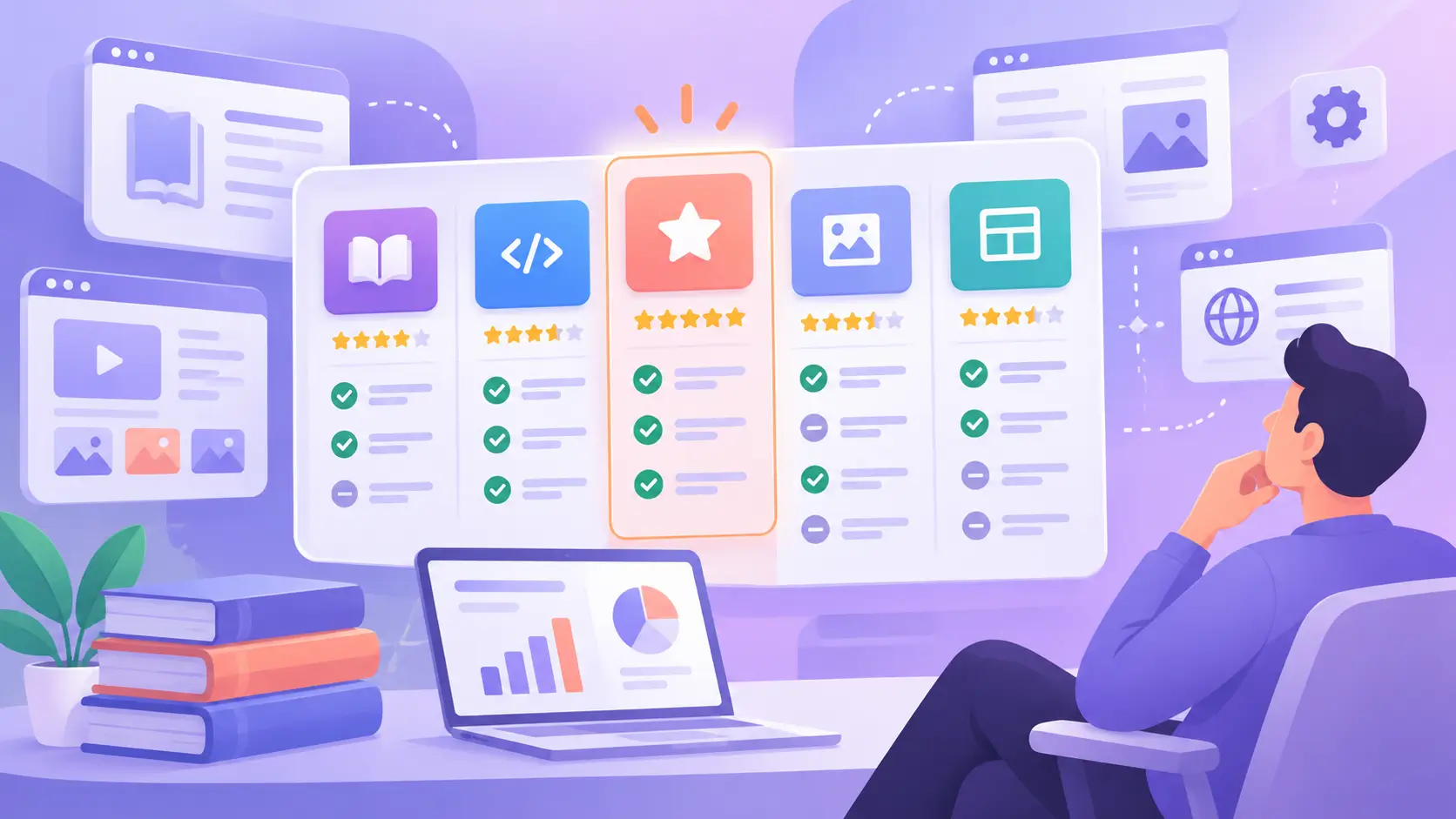
This compares approaches, not vendors. Each row is a capability — present, partial, or absent — across the common ways teams have tried to deliver help inside their product.

Capability
ClickHelp
Build your own AI / RAG
General-purpose conversational tools
Onboarding / product-tour tools
Help kept outside the product
Answers inside the product
Partial
Contextual help tied to interface elements
Partial
Partial
Controlled knowledge source for answers
Partial
Partial
Faster launch without a custom build
Signals from user questions
Partial
AI answers tied to your verified content
Partial
Partial
Partial
Keeps users in the product flow
Partial
WHY TEAMS TRUST US

A mature platform for knowledge delivery — not an AI add-on

ClickHelp has been delivering customer-facing knowledge for 15+ years across teams in 100+ countries. AnswerGenius and Context-Sensitive Help sit on top of that foundation.

"
We embedded help inside the product instead of pointing users to a separate site. The team finally sees what people actually ask while they're using the app — and that has changed how we plan releases.
PM
Product ManagerB2B SaaS, Workforce Operations
100+ countries
Teams using ClickHelp to deliver knowledge to their users
15+ years
On the market — knowledge delivery is what we do
SOC 2 · GDPR · CCPA
Enterprise-ready. SSO, RBAC, AES-256 at rest, 99.9% uptime SLA
Evaluating ClickHelp?

See ClickHelp power your in-app user experience – in 30 minutes

Bring your application interface or user onboarding challenges. We'll show exactly how to embed smart contextual helpers directly into your app, track what users are searching for, and leverage search statistics to pinpoint where your product needs attention.

No credit cardFree Proof of ConceptCancel anytime
In the demo, you'll see
  • Contextual in-app help and smart tooltips
  • Instant help updates with zero developer deploys
  • Fully branded reader portals tailored to your UI identity
  • AI-ready documentation formatted for LLMs and agents
  • Reader behavior signals to improve product adoption
Ask AI about ClickHelp
ChatGPT ChatGPT Claude Gemini Grok Perplexity