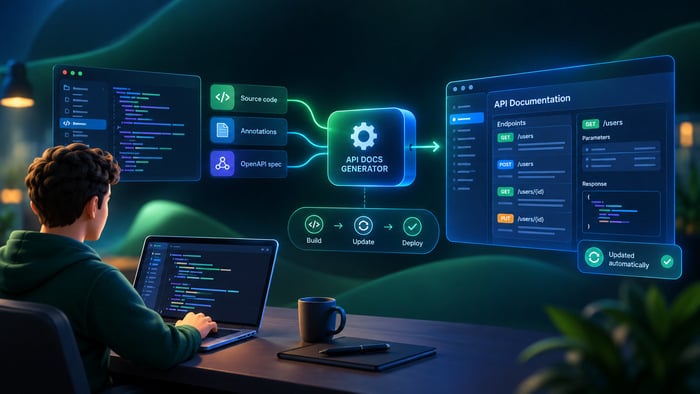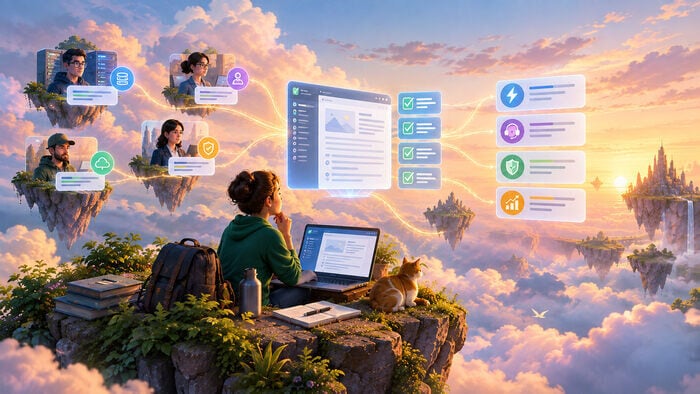
Developer portals have moved far beyond simple API documentation sites. The strongest ones now act as strategic platforms that help different audiences discover products, learn quickly, self-serve common tasks, and move from evaluation to production with minimal friction.
What separates the best developer portals from the rest is not design or technology alone, but consistent care for developer experience at every step. For a broader explanation of what developer portals are and how they work, see our related article on developer portals.
This article explores what makes the best developer portals effective, using real examples from Stripe, Twilio, and Cloudinary, and highlights the common patterns that teams can apply when building their own.
What Makes a Developer Portal More than Documentation
API reference is still the foundation: it is the primary channel between a platform provider and the developer using it. Without clear, complete documentation, adoption stalls. But a true developer portal combines documentation, onboarding, tools, support, community, and operational signals — status pages, changelogs, feedback channels — into a single environment.
This matters because developers do not experience a product as a collection of pages. They move through a sequence of tasks, decisions, and small moments of friction. A well-designed portal supports self-service throughout that entire journey, from first visit to long-term integration maintenance — without requiring developers to contact a support team for routine steps like generating credentials or finding the right starting point.
The practical distinction is this: documentation tells people what exists. A portal helps them do something with it.
Portals Worth Learning From
The examples below are not meant as a ranking. Each portal was chosen because it does one thing particularly well, and that one thing is transferable. Stripe, Twilio, Cloudinary, Vonage, and North Developer each represent a distinct design decision: how to structure content around goals, how to build interactivity into docs, how to respect a developer’s time, and how to turn onboarding into a competitive advantage. Taken together, they sketch a practical picture of what separates a good developer portal from a documentation site that happens to be public.
Stripe – Onboarding and Structure
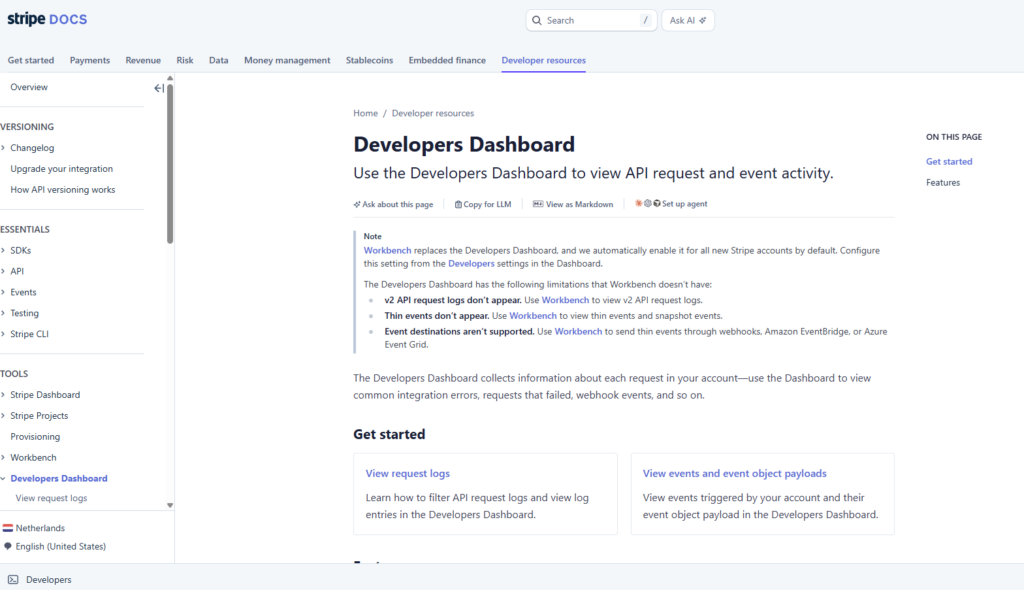
Stripe is widely treated as a benchmark for developer portal design because its documentation is organized around what developers want to achieve, not around a catalog of endpoints.
Its structure follows developer intent rather than technical taxonomy, so someone can start from a task they need to complete instead of spending time orienting themselves in an API reference. Sample code is easy to find and written to be copied directly. A sandbox environment lets developers validate workflows with test data before connecting to live systems, which reduces risk and shortens the distance between reading and doing. Crucially, the first code sample is visible without signing up — there is no gate between a developer’s first visit and their first working example.
The result is that developers see progress almost immediately. Early success matters: it shows value quickly and keeps users moving forward. For portal builders, the lesson is to organize content around tasks, surface the first working example on arrival, and let sandbox access replace the need to read before trying.
Twilio – Interactivity and Community
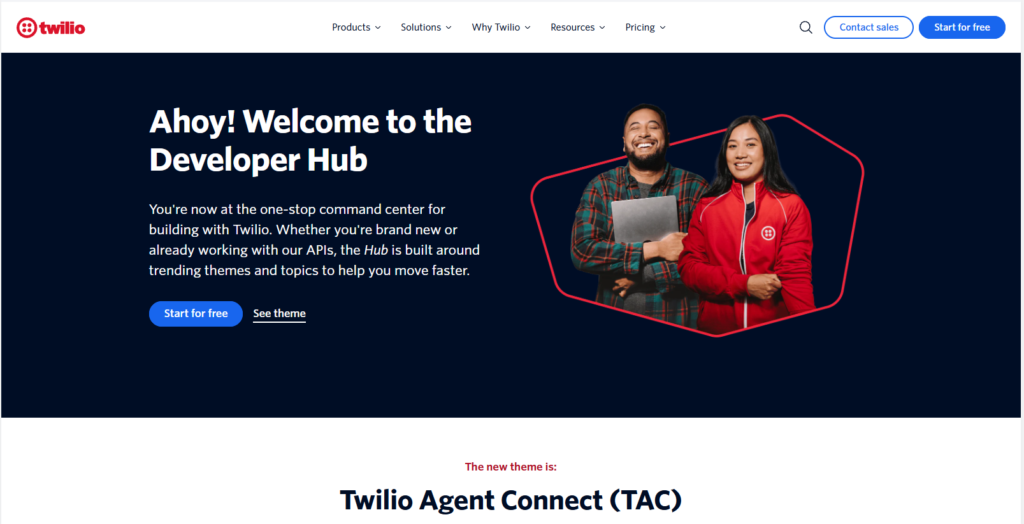
Twilio shows how documentation can become an active workspace rather than a static reference. Its docs include interactive code examples that developers can run without switching to a separate environment. The Twilio Console and API Explorer go further, letting users make real API calls (including sending SMS messages) once they have an account, while still in a learning context.
Beyond the docs themselves, Twilio’s developer ecosystem includes the Champions program: a network of active community members who create content, speak at events, and help other developers succeed. That combination means trust is built through people and shared knowledge, not only through pages and code snippets.
Developers often need both technical certainty and social proof before committing to an integration. Interactive documentation addresses the first; a visible, active community addresses the second. Twilio is a useful model for treating that ecosystem as a core part of the product, not an optional add-on.
Cloudinary – Cookbook Thinking
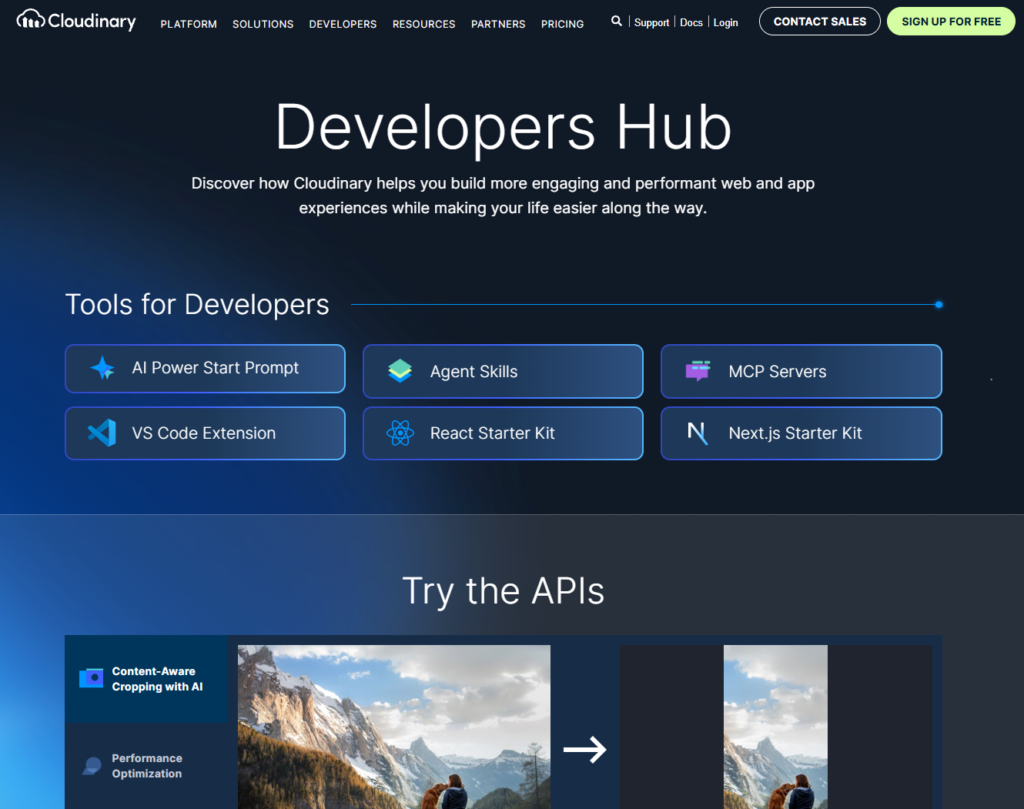
Cloudinary is a strong example of the cookbook style: short, focused guides that solve a specific problem without requiring developers to read the entire platform overview first. Its tutorials are organized around practical use cases and supported by code samples across multiple languages, which helps both beginners and experienced developers move quickly.
This approach works especially well when a product has a broad feature set. Long conceptual overviews can be hard to justify when someone arrives with a concrete task — “How do I resize an image?” or “How do I authenticate this request?” Cookbook content narrows the search space, makes reuse easier, and supports faster implementation. The portal answers the immediate question first; the deeper architecture can come later.
Vonage and North Developer – Onboarding as a Product
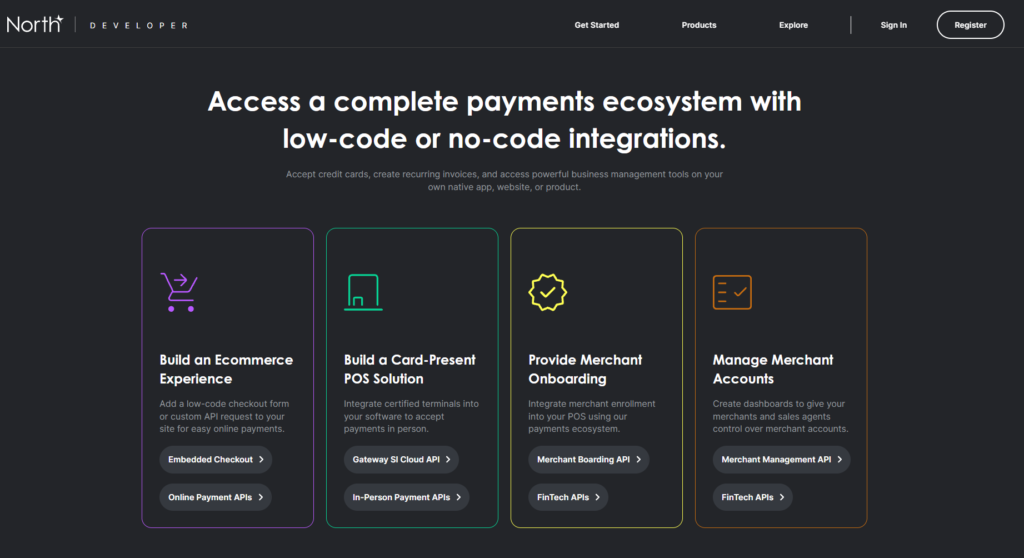
Vonage and North Developer (a DevPortal Awards winner) illustrate a broader point: onboarding is not a section of documentation, but a product category with its own goals and success metrics.
The best onboarding experiences guide users to a visible result quickly — sometimes within minutes — even when the integration is technically complex. In practice, that means removing unnecessary gates, reducing ambiguity at each step, and providing immediate feedback. If a developer can sign up, get credentials, run a test call, and understand the next step without waiting for support, the portal is doing real product work.
This design is especially valuable when the audience is mixed. Technical and non-technical stakeholders often arrive with different levels of confidence and different evaluation criteria. Good onboarding creates a path that works for both.
What the Best Developer Portals Share – A Checklist
Across the strongest examples, a clear pattern emerges. The following elements appear consistently in developer portals that earn high adoption:
- Task-focused structure — navigation organized around outcomes rather than technical taxonomy.
- Interactive sandbox or test environment — so developers can try the product safely before committing.
- Fast first API call — ideally in minutes, with a visible success path from the start.
- Code samples in multiple languages — serving both beginners and advanced users.
- Support and community surfaces — changelogs, status pages, feedback channels, and peer programs.
- Documentation for decision-makers — not only engineers, so the portal supports evaluation as well as implementation.
The deeper common thread is consistency. The best portals reduce friction at every stage — in onboarding, in troubleshooting, and in long-term use — rather than polishing only one part of the journey while leaving others rough.
Building a Developer Portal in ClickHelp
A rendered Swagger spec is not a developer portal. Specifications describe what an API does, but leave no room for use cases, integration examples, or contextual guidance. Most companies also maintain dozens of specs, each hosted separately with no shared search. ClickHelp addresses both problems.
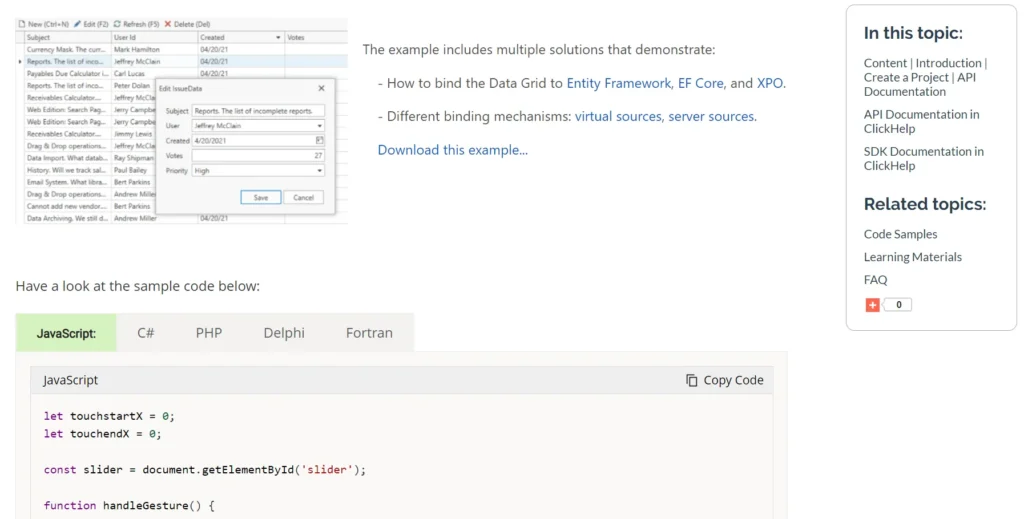
API and SDK documentation. OpenAPI/Swagger specifications can be imported by URL — so updating a spec means one click, not a manual file replacement. Multiple specifications and hand-written topics (guides, tutorials, usage examples) share a single project and a single search index. SDK docs generated by tools like DocFX or standard HTML exporters can be imported directly into the same portal. For versioned SDKs, ClickHelp supports both sequential multi-version publishing (with in-page version switching) and parallel projects linked through the portal’s top navigation.
Writing and collaboration. The editor includes code blocks with syntax highlighting, tabs for platform-specific instructions, and Quick Parts for reusable content structures. Team workflows are covered through comments, change notifications, revision history, and reporting.
Access control and analytics. Access groups let you deliver different content to different audiences — external developers, partners, internal teams — within one portal structure, without duplicating the documentation set. Usage analytics are available natively and through Google Analytics or any embedded analytics tool.
CI/CD and integrations. ClickHelp’s REST API lets teams automate topic creation, updates, and publishing as part of a CI/CD pipeline, connecting the documentation workflow directly to the development team’s toolchain (CI/CD, build scripts, and webhooks).
AnswerGenius. When a portal contains API specs, guides, SDK references, and tutorials all at once, knowing where to start is not always obvious. AnswerGenius is an AI assistant embedded in the portal that answers questions in plain language and directs users to the right content — keeping the self-service experience intact when search alone is not enough.
Conclusion
The best developer portals stand out because they consistently guide different users through clear journeys and combine documentation with onboarding, tools, community, and support. Stripe, Twilio, and Cloudinary each demonstrate a different strength — goal-focused structure, interactive learning, and cookbook-style efficiency — but they share the same core idea: make the developer experience feel obvious, safe, and fast.
For teams building their own portal, the goal is not more content. It is a better system: one that takes developers from first visit to first success, and from first success to long-term adoption, with as few unnecessary steps as possible.
Good luck with your technical writing!
Author, host and deliver documentation across platforms and devices
FAQ
What is the difference between API documentation and a developer portal?
API documentation is a reference: it describes what the API does, its endpoints, parameters, and responses. A developer portal is a broader environment that includes documentation but also covers onboarding flows, sandbox access, credential management, community resources, changelogs, and support. The portal is designed to support the full developer journey, not just answer technical questions.
What makes a developer portal “self-service”?
A self-service portal lets developers complete the entire integration process — from signing up and generating credentials to testing and going live — without needing to contact a support team. Key requirements are clear onboarding steps, sandbox or test environments, and enough documentation to resolve common issues independently.
Why is Stripe considered a benchmark for developer portals?
Stripe is frequently cited because its documentation is structured around developer goals rather than API endpoints. Sample code is visible without registration, a sandbox environment is available from the start, and the first working example is reachable in minutes. That combination of clarity and momentum sets a high bar for the initial experience.
When should a developer portal use interactive documentation?
Interactive documentation — code samples you can run in place, or consoles that make real API calls — is most valuable when developers need to validate behavior quickly without setting up a local environment. It works especially well during the evaluation stage, when someone is deciding whether to integrate, and during early onboarding, when they need to see a result before committing further.
What is the cookbook approach in documentation?
The cookbook style organizes content around specific, practical tasks rather than comprehensive platform overviews. Instead of “Here is everything about our image processing API,” a cookbook entry answers “How do I resize an image to fit a thumbnail?” Each guide is short, focused, and immediately usable. It works well for products with broad feature sets where users arrive with a concrete goal, not a general curiosity.
Does a developer portal need a community component?
Not every portal needs a full community program, but some form of social infrastructure helps adoption. Changelogs, status pages, and feedback channels are the minimum. Programs like Twilio Champions — where active community members contribute tutorials and help others — add trust and reach beyond what documentation alone can provide.