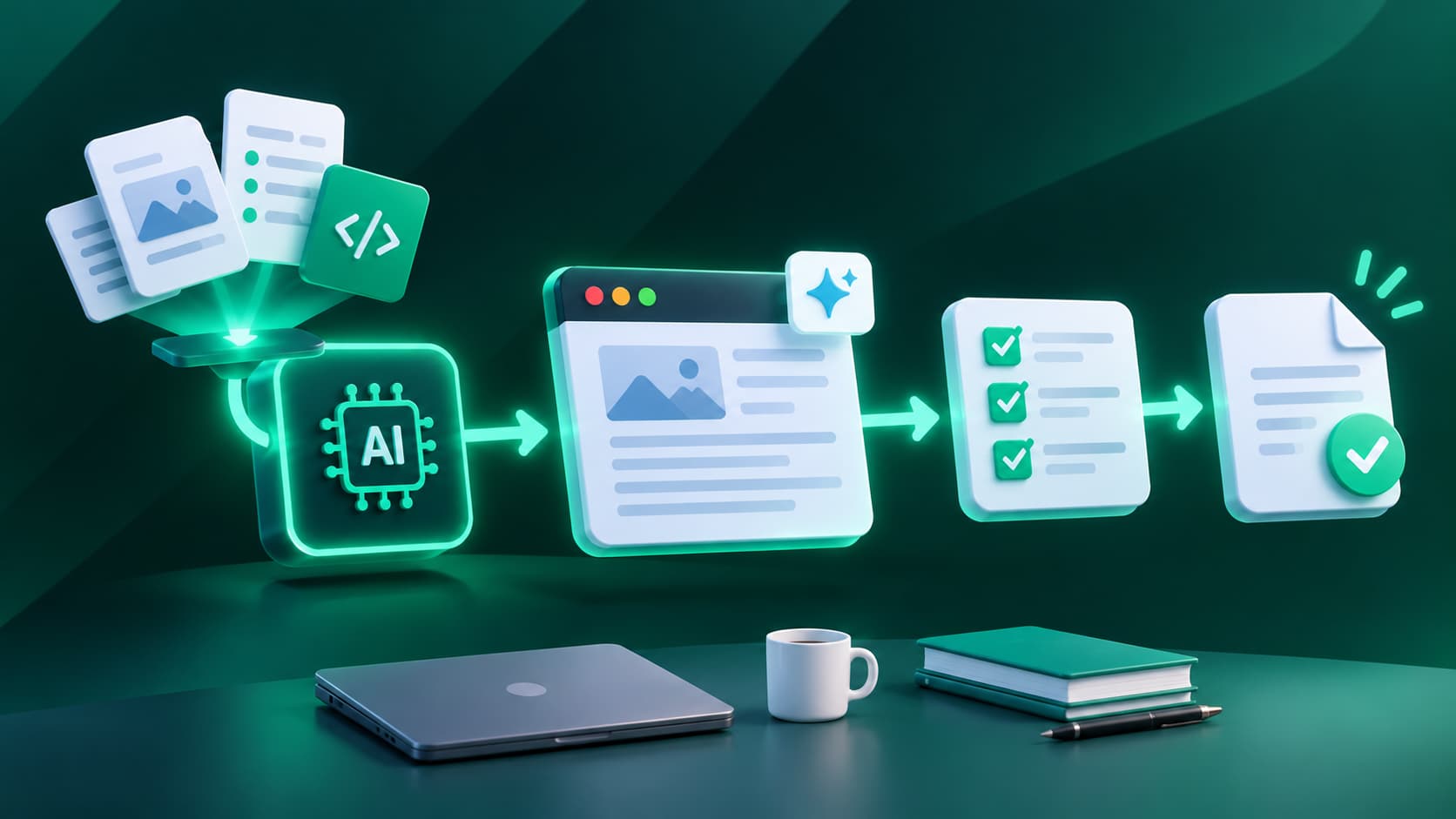
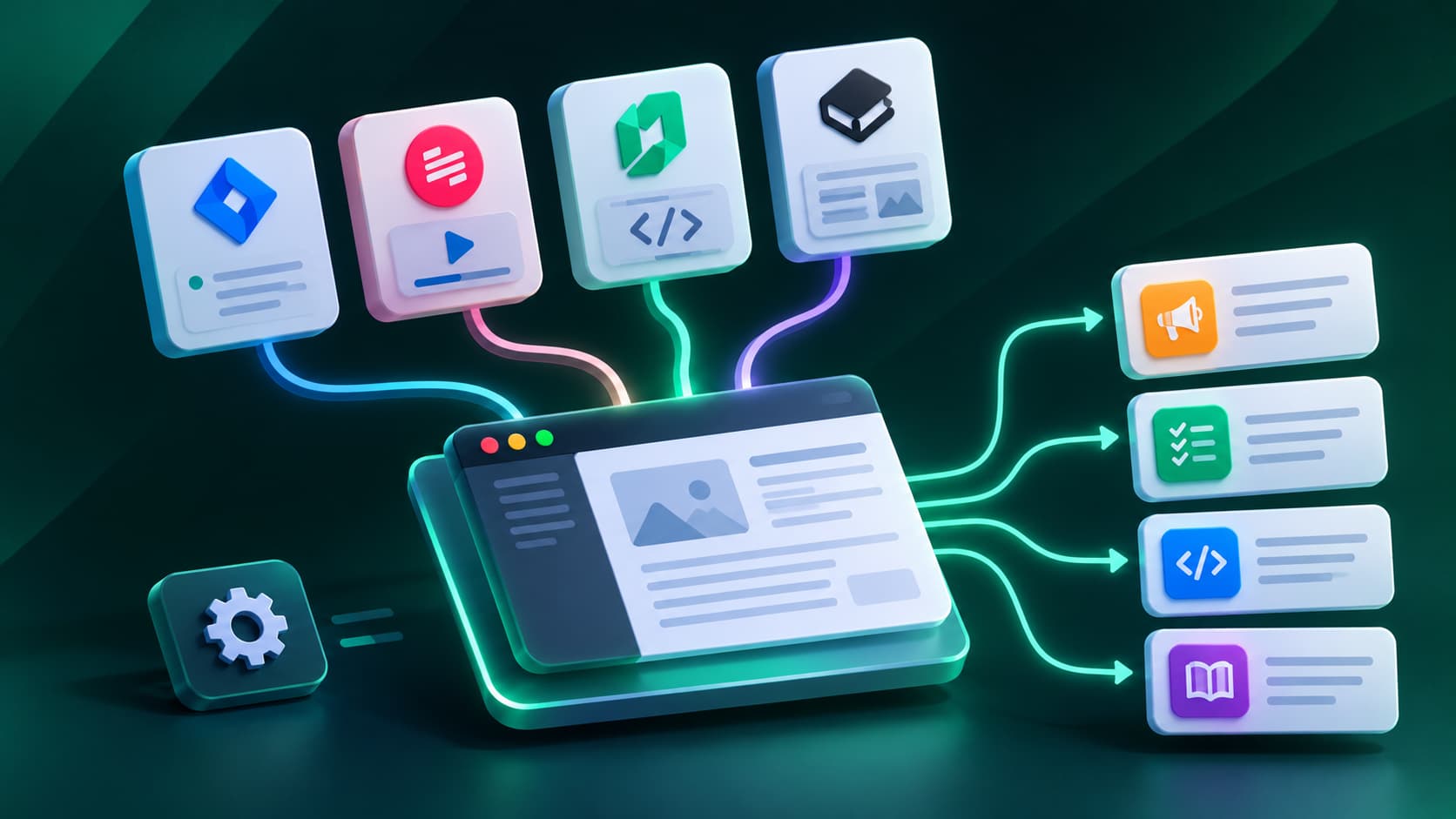
- ChatGPT is still the most popular AI assistant, but many teams add other tools because of usage limits, data privacy requirements, or tasks a general chatbot handles poorly.
- Below are 20 alternatives in six groups: general-purpose assistants, writing and editing, content and SEO, research, coding, and developer tools.
- For technical documentation and knowledge bases, general chatbots have one gap: they don’t know your product. ClickHelp’s WriteAssist and AnswerGenius work with your own docs.
In the artificial intelligence ecosystem, many businesses have turned to tools like ChatGPT to streamline their operations, enhance customer interactions, and increase overall efficiency. As a result, a whole ‘generation’ of companies in fields such as IT, data privacy, and marketing became highly dependent on ChatGPT for various tasks, from content creation to automating customer support.
As companies grew and their needs became more sophisticated, they sought solutions that could better address the evolving demands of their operations. While ChatGPT proved valuable for tasks such as content creation and customer support automation, some companies began exploring additional AI tools to complement and enhance their workflows. These businesses were looking for alternatives that offered greater flexibility, customization, and security.
In response to these needs, companies began integrating ChatGPT with other AI tools that better aligned with their specific goals. This approach allowed them to leverage the strengths of multiple platforms, improving performance, personalization, and data privacy. In today’s article, we will explore some of the alternative AI tools that have helped companies meet their unique challenges while driving creativity and success in their respective fields.
The world of AI tools is vast, and while ChatGPT leads in popularity, there are innovative alternatives that offer functionality designed to enhance documentation and other critical tasks. — Ian Corvin, Product Manager at ClickHelp
Why Look for ChatGPT Alternatives?
With users taking to AI tools for every need nowadays, there are quite a few reasons why one should look for alternatives to ChatGPT. Following are some key aspects:
- Network Overload. ChatGPT can experience high traffic, leading to slow response times or even temporary outages. During peak usage hours, users may find it challenging to access the service, which can disrupt workflows and hinder productivity. Alternatives may offer more reliable performance, especially for organizations that rely on consistent access to AI capabilities.
- Limited Free Requests. A lot of users, especially those trying out AI for the first time, may find the limits to free requests in ChatGPT pretty annoying. That can totally hold back experimentation and learning. Other options usually have different pricing plans or more generous free tiers, so users can look into features without having to pay right away.
- Specific Functionality Needs. ChatGPT is a generalist tool, and thus, it might not do very well in specialized stuff like technical documentation or customer support. Other options are usually built for something in mind, making them more fit for certain tasks.
- Limitation in Customization. The problem could be that the tone, style, and even specificity of content may not be as personalized to the users’ likings as they would have preferred from ChatGPT. Most alternatives provide more robust methods for personalization, allowing users to generate outputs more fitted to their organizational voice and requirements.
- Integration Challenges. Organizations might struggle to get ChatGPT to fit in with their current systems or workflows. Other options might be built to easily work with different platforms, making things smoother for users and simplifying processes.
- Data Privacy Concerns. For some companies, keeping their data private and secure is super important. Depending on what kind of information they are dealing with, organizations might want alternatives that provide stronger data protection measures or on-premise solutions to keep sensitive stuff safe.
- User Experience and Interface. The user interface and overall experience can be very different between AI tools. Some users may find certain alternatives more intuitive and user-friendly, which can lead to faster adoption and more efficient use.
Even though ChatGPT is an excellent artificial intelligence tool, network overload, running out of free requests, and specific needs are all motivating people to look for options that better suit their particular requirements and further increase their productivity. Finding other available options can yield customized solutions in a manner that addresses those challenges very intelligently.

Most Popular ChatGPT Alternatives
The tools below are grouped by the job they do best.
- General Purpose AI Assistants:
- Claude: Anthropic’s assistant for writing, analysis, and coding. It handles long documents well, so you can paste a full manual and ask questions about it.
- Google Gemini: Google’s assistant. It works with text and images and connects to Gmail, Docs, and Drive.
- Microsoft Copilot: Microsoft’s assistant on the web, in Windows, and in Edge. The separate Microsoft 365 Copilot plan works inside Word, Excel, Outlook, and Teams.
- DeepSeek: A chat assistant built on DeepSeek’s open-weight models, strong at reasoning and code.
- Mistral Vibe (formerly Le Chat): Mistral AI’s assistant. Le Chat was renamed Vibe in May 2026 and now has a Work Mode that connects to Google Workspace, Outlook, Slack, and GitHub.
- Meta AI: Meta’s assistant, available as a standalone app and inside WhatsApp, Instagram, and Messenger.
- HuggingChat: Hugging Face’s chat for open models. Its Omni mode picks a suitable open model for each request, so you don’t have to choose one yourself.
- Writing and Editing:
- DeepL Write: Suggests better phrasing, tone, and word choice in nine languages, including English, German, French, Spanish, Chinese, and Japanese. It has add-ons for Google Workspace and Microsoft 365.
- Content Creation and SEO:
- Writesonic: An AI article writer with built-in SEO checks. It also tracks how often your brand appears in AI search answers. Its chat assistant, Chatsonic, can pull current information from the web.
- Jasper: A platform of AI agents for marketing teams. It keeps content in your brand voice across campaigns.
- Semrush ContentShake AI: Suggests topics and writes drafts based on Semrush keyword and competitor data.
- Surfer AI: Writes SEO articles from a keyword after analyzing the pages that already rank for it.
- Research:
- Perplexity: An AI search engine that answers with links to its sources.
- Elicit: A research assistant for academic literature. It finds papers, extracts data from them, and writes reports with sentence-level citations.
- NotebookLM: Google’s notebook that answers only from the sources you upload, such as PDFs, Google Docs, or web pages. It can also turn them into summaries, FAQs, and audio overviews.
- You.com: An AI search assistant with cited answers and a choice of models. The company now also sells search APIs to businesses.
- Coding:
- GitHub Copilot: Code suggestions and chat inside VS Code, JetBrains IDEs, and GitHub.
- Amazon Q Developer: Amazon’s coding assistant, formerly CodeWhisperer. It is most useful if you build on AWS.
- Ai Text Detection:
- Undetectable.ai: Rewrites AI-generated text so it reads more naturally and is less likely to be flagged by AI detectors.
- For Developers:
- OpenAI Playground: OpenAI’s browser workspace for testing prompts and model settings through the API before building them into an app. It is useful when the ChatGPT interface doesn’t give you enough control.
Each tool serves a distinct purpose, ranging from content creation and marketing to project management, research, and coding, offering AI-powered solutions for a wide range of professional needs.
Comparison Table
| Tool | Category | Best for |
|---|---|---|
| Claude | General-purpose assistant | Long documents, writing, analysis |
| Google Gemini | General-purpose assistant | Work inside Google apps |
| Microsoft Copilot | General-purpose assistant | Windows and Microsoft 365 users |
| DeepSeek | General-purpose assistant | Reasoning and code, open-weight models |
| Mistral Vibe | General-purpose assistant | Work tasks across Google Workspace, Slack, GitHub |
| Meta AI | General-purpose assistant | Quick help inside Meta’s apps |
| HuggingChat | General-purpose assistant | Trying open models without setup |
| DeepL Write | Writing and editing | Polishing text in several languages |
| Writesonic | Content and SEO | SEO articles, AI search visibility |
| Jasper | Content and SEO | On-brand marketing content at scale |
| Semrush ContentShake AI | Content and SEO | Drafts based on keyword data |
| Surfer AI | Content and SEO | Articles optimized against ranking pages |
| Perplexity AI | Research | Fast answers with sources |
| Elicit | Research | Academic literature reviews |
| NotebookLM | Research | Answers from your own documents |
| You.com | Research | Cited search with model choice |
| GitHub Copilot | Coding | Code completion in the IDE |
| Amazon Q Developer | Coding | Development on AWS |
| Undetectable.ai | Detection and humanizing | Rewriting AI text |
| OpenAI Playground | For developers | Testing prompts via the API |
ClickHelp’s AI Capabilities
While AI keeps changing, many people are searching for alternatives to ChatGPT that actually suit their needs better. One great option among them is ClickHelp, which has two awesome AI tools: WriteAssist and AnswerGenius. These tools are designed to increase your productivity and make working with documentation easy, making them perfect for anyone who wants some personalized assistance.
WriteAssist: Your AI Writing Assistant
ClickHelp features an integrated AI writing assistant called WriteAssist that helps users create perfect documentation with ease. Here’s a closer look at some of its key features:
- Content Creation. WriteAssist relies on AI for content generation. Whether it is technical documentation, user manuals, or marketing materials, WriteAssist will generate text that is logical and contextually appropriate.
- Grammar and Style Suggestions. This tool provides real-time suggestions on grammar, punctuation, and style to make your writing look crisp and professional. It is super helpful for teams that care about high-quality docs.
- Contextual Assistance. WriteAssist detects the sense of what you are trying to write and can thus include only relevant suggestions and improvements. That awareness helps maintain consistency across your documents, which is paramount for seamless communication.
- User-Friendly Interface. WriteAssist is designed to be super intuitive and thus allows users of any skill level to get in and start creating or editing content.

WriteAssist is a powerful ClickHelp AI writing assistant that makes the documentation process easy for users at any level of skill. Its functionality includes content creation, real-time grammar and style suggestions, and contextual help to guarantee that teams produce quality and consistent documents with ease. Featuring an easy-to-use interface, seamlessly integrated into ClickHelp, WriteAssist gives organizations the power to improve their documentation and ultimately to communicate more effectively and work more efficiently.
AnswerGenius: Your AI-Powered Knowledge Base
AnswerGenius is another neat AI solution from ClickHelp, designed to enhance knowledge management and make question handling easier. What makes AnswerGenius so impressive is the following:
- Instant Answers. AnswerGenius is a tool by ClickHelp that provides immediate responses using AI to the users’ questions, which is extremely helpful for customer support teams and internal knowledge bases. This ensures that users get the right information without having to wait around.
- Knowledge Base Integration. It seamlessly integrates with ClickHelp’s knowledge base, extracting the information from the existing documentation. Which means the answers are fast, accurate, and make perfect sense.
- Learning Capabilities. AnswerGenius learns from user interactions and becomes more adept at responding with each passing day. This cool learning feature makes it super useful as it collects more information about what users need.
- Improved Customer Service. With AnswerGenius delivering fast responses to frequent questions, customer satisfaction increases and the workload decreases for support teams. So, this will be much easier for support agents to answer the trickier stuff.
- Knowledge Retention. AnswerGenius does so much to help organizations retain their knowledge by storing valuable insights and information in one place. It becomes super important when new workers need to get up to speed and operations continue flawlessly.

Summing it up, AnswerGenius by ClickHelp is a powerful AI-driven tool that revolutionizes knowledge management and takes customer support efficiency to an entirely new level. With immediate answers, seamless integration into the existing knowledge base, and learning from interactions, AnswerGenius ensures an organization can deliver accurate, timely information. It improves the operational workflows and embeds a culture of continuous learning and knowledge sharing within organizations.
Conclusion
ChatGPT is still the default AI assistant for many teams, but it isn’t the best fit for every job. For research with sources, Perplexity, Elicit, and NotebookLM do more. For SEO content, Writesonic, Jasper, ContentShake AI, and Surfer AI work from search data. For code, GitHub Copilot and Amazon Q Developer sit right in the IDE.
Technical documentation needs something none of these general tools give you: AI that works with your product’s content, not the open web. That’s why ClickHelp builds AI into the help authoring tool itself. WriteAssist helps you write and edit topics, and AnswerGenius answers readers’ questions from your published docs.
Good luck with your technical writing!
Author, host and deliver documentation across platforms and devices.
FAQ
Why should businesses consider alternatives to ChatGPT?
Usage limits on the free plan, slowdowns at peak hours, data privacy requirements, and tasks that need a specialized tool: research with citations, SEO content, coding inside an IDE, or documentation tied to your product.
What are some common issues businesses face with ChatGPT?
Slow responses or outages during peak traffic, request limits on the free plan, and limited integration with the tools a team already uses. As a general-purpose assistant, it also doesn’t know your product, which matters for technical documentation and customer support. See how ClickHelp handles this →
How can businesses benefit from paid AI tools instead of free versions?
Paid plans usually give higher usage limits, access to newer, more capable models, and team features such as admin controls. Free plans work for occasional tasks. Paid plans make sense when a team relies on the tool every day.
Can AI write technical documentation on its own?
It can draft it. Accuracy still depends on people: a subject matter expert confirms the facts, a reviewer approves the topic, and only then is it published. In ClickHelp, this runs through topic statuses and review roles.
Which ChatGPT alternative is best for technical documentation?
It depends on where the AI sits in your workflow. General assistants like Claude or Gemini can draft and edit text, but they don’t know your product and aren’t connected to your documentation. AI built into a help authoring tool works with your own content: in ClickHelp, WriteAssist helps you write and edit topics in the editor, and AnswerGenius answers readers’ questions from your published docs.